
Bootstrap is a huge Framework already built into Joomla by default. With Bootstrap 5 and Joomla 4, it is easy to customize your website and do some amazing things. Let's dive into making a timeline using only Joomla and Bootstrap 5.1.
When Joomla 4 was released it came with Bootstrap 5.1 included in the default template Cassiopeia, you basically do not need to know HTML or CSS to make a decent website in Joomla 4.
Where to start? - Let's dive into making a timeline using only Joomla 4 and Bootstrap 5.1
To make a timeline using Bootstrap we are going to use the ScrollSpy Component in Bootstraop 5.1, there are several diffrent ways to use it, but here we are going to focus on the horisontal menu.
Step 1: Make your fields
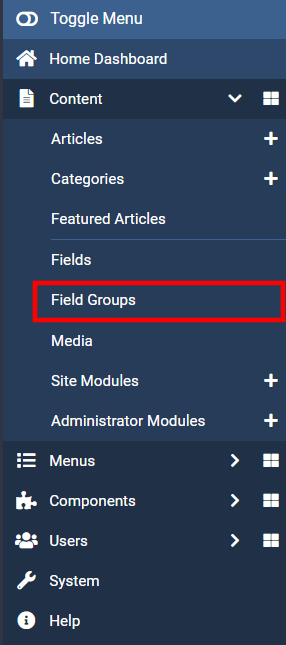
First of all let's make the Field-group, this is done by going into the Field Group menu on the left side of Control panel. Select Content > Field Groups
Now create the group "Timeline"
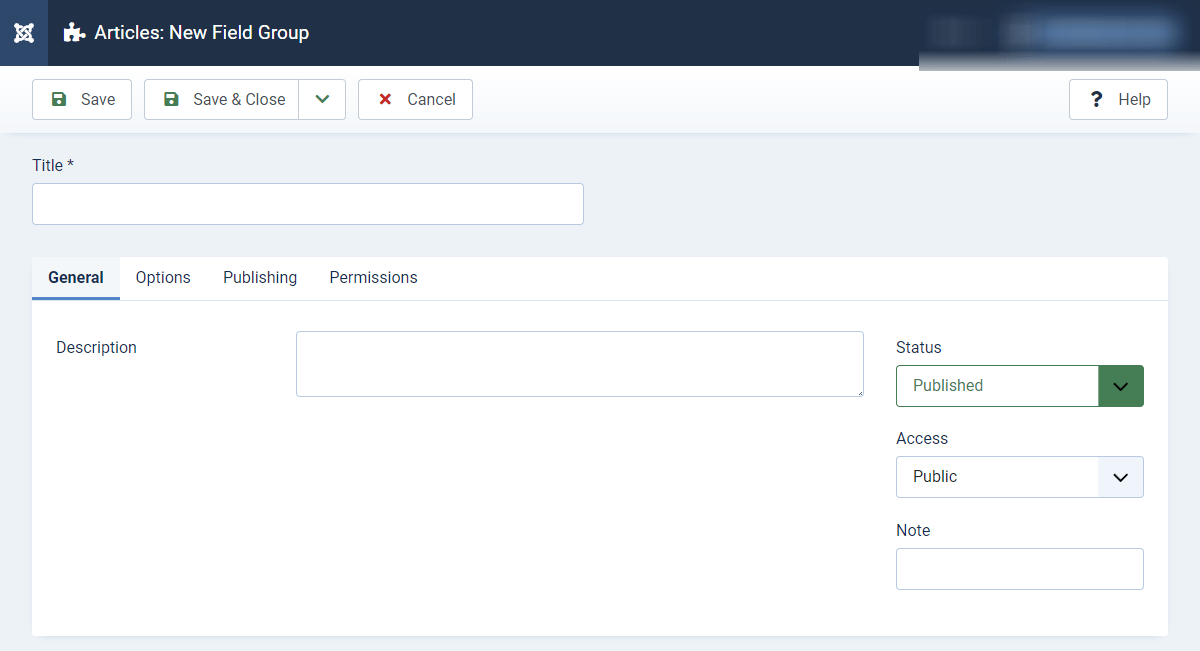
After creating the field group we will add our fields:
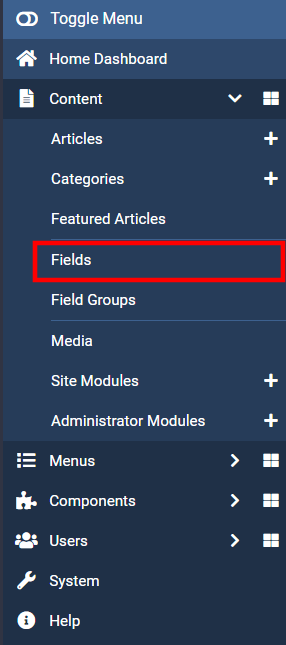
Go to the menubar on left and select Content > Fields
Create these field types, name of field does not matter.
- Calendar field
- Text field (Textarea or Editor)
- Subform field
Step 2: Copy the code from Bootstrap
Stope 3: Do a bit of hardcoding

Add comment