
A Joomla template override lets you change the HTML and PHP used to present an article, Category Blog item, module, or reusable layout without editing the corresponding component or module source file. That separation prevents an ordinary core-extension update from directly replacing your customized copy. It does not, however, guarantee that the customization will remain compatible with every future update.
This tutorial explains the inheritance and override model before walking through current examples for Cassiopeia on Joomla 6.1 and Joomla 5.4. You will learn where current article, Category Blog, Latest Articles module, and reusable layout files belong; why old Joomla 3 paths are wrong for this work; how to create overrides through the administrator or manually; and how to review them after updates. The objective is not merely to make an override work today. It is to keep the customization small, testable, reversible, and practical to maintain.
What a Joomla template override is—and what it is not
A template override is a presentation file stored under the active site template's html directory. Its path identifies the extension and layout it replaces. When Joomla renders that layout with the relevant template active, it loads the override instead of the corresponding extension file. This is the documented alternative to editing files supplied by Joomla or an extension directly. See the official template override documentation and template layout documentation.
The important word is instead. Joomla does not merge your override with the latest upstream file. If an update changes the original layout, Joomla continues loading your customized copy until you review and revise it. Overrides are therefore safer than direct core-file edits, but they are not maintenance-free.
Understand inheritance before creating files

For Cassiopeia, a child template is a useful isolation layer for maintained customizations. A child inherits files from its parent except where the child supplies a same-named file. That child file replaces the same-path parent file; the two files are not merged. Official documentation also states that child files are not affected by Joomla updates. These claims apply to Joomla's documented child-template behavior and should not be treated as a universal promise about every third-party vendor updater or deployment process. Consult the vendor before customizing a third-party template. See Joomla child-template documentation.
The parent template must remain installed because the child depends on the files it inherits. Keep that parent updated, then test the child after parent, Joomla, and extension updates. A child protects your files from direct replacement in the documented Joomla-update context; it does not automatically incorporate or validate changed parent markup.
| Mechanism | Purpose | Update consideration |
|---|---|---|
| Child template | Inherits a parent template and replaces selected same-named parent files. | The parent remains required and should remain updated. Child files still need compatibility testing. |
user.css | Adds CSS when the required change does not need different PHP or HTML output. | Track and review it manually; Joomla's automatic override checking does not cover CSS. |
| Template style | Represents the template configuration and assignment used for a page. | A style does not itself create a PHP layout override. The active style determines which template can supply the override. |
| Template override | Uses the original layout filename and automatically replaces that layout while the relevant template is active. | Review it when its upstream source changes because no automatic merge occurs. |
| Alternative layout | Uses a different filename and is selected in supported article, menu, component, or module settings. | Support varies by extension. The documented base-name rule prohibits underscores, and automatic override tracking does not cover alternative layouts. |
| Complete parent-template copy | Duplicates the parent rather than selectively inheriting from it. | Do not copy the entire parent as a beginner override strategy. A large duplicate creates more files to compare and maintain. |
A same-named default override and an alternative layout are not interchangeable. The default override is used automatically; the alternative layout must be selected where the extension supports it. The naming and selection rules are documented in Template Layouts.
Supported versions and the Joomla 6.1.2/5.4.7 layout warning
As of the research date, 26 July 2026, Joomla 6.1.2 and Joomla 5.4.7 were the current supported releases described by the official sources. Joomla 6 was the feature series, while Joomla 5 was in bugfix mode. Release numbers and support phases are time-sensitive and must be checked against the official Joomla roadmap before publication or deployment.
Important: Joomla 6.1.2 and 5.4.7 have a documented regression in which article-specific settings, including a selected article layout, may be ignored when an article is reached from a category layout. This warning applies to those releases before the official patch is applied or a subsequently verified fixed release is installed.
The Joomla Project supplied an installable hotfix and, as of the research date, planned the regular fix for Joomla 6.1.3 and 5.4.8. Those planned releases must not be assumed to be available without checking. Use the official Joomla 6.1.2 and 5.4.7 release announcement for the current remediation rather than inventing installation steps.
Before you begin
- Back up the file and site state needed for rollback. Official administrator help recommends backing up a template file before editing it. See Templates: Customise.
- Prefer a staging or test environment and keep the customization in Git or equivalent version history. These are recommended maintenance practices, not automatic benefits supplied by an override.
- Confirm which template style is active for the page. An override in one template does not control output when another template is active.
- For Cassiopeia, prefer a child template when maintaining parent-supplied files or a substantial customization set. Keep Cassiopeia installed and updated.
- Verify that Joomla can create directories and copy files into the selected template's
htmldirectory if you intend to use Create Overrides. This filesystem requirement is visible in the Joomla 6.1.2 implementation. See TemplateModel.php. - Identify the smallest file that controls the output you actually need to change.
back up Joomla before updating or use a staging copy before editing the production design.
For additional layout and styling ideas, see how to set up a Cassiopeia child template without editing supplied files directly.
Start practical work with a small user.css change
Before copying PHP, prove that your test template and deployment process are working with a small, reversible CSS customization. If your Cassiopeia child already has a user.css file, add a rule for a class that you control in the article content, for example:
.override-test-note {
  font-weight: 600;
}
Add override-test-note to a test element, confirm the result, and record the change in version history. If CSS alone achieves the real design objective, stop there instead of creating a PHP override. Remember that automatic Updated Files detection does not monitor CSS or JavaScript, so maintain these files manually. That limitation is documented in Improved Override Management.
Next, use a template style for the Cassiopeia child and assign it to a test menu item through the site's existing template-style assignment controls. Verify the test page before making that style the site default. This limits the initial effect of mistakes.
How Joomla resolves current override paths
The destination begins with:
templates/<template>/html/After that base, preserve the extension and layout hierarchy. These are the current examples used in this tutorial:
| Purpose | Current source | Override destination |
|---|---|---|
| Single article | components/com_content/tmpl/article/default.php | templates/<template>/html/com_content/article/default.php |
| Category Blog item | components/com_content/tmpl/category/blog_item.php | templates/<template>/html/com_content/category/blog_item.php |
| Latest Articles module | modules/mod_articles_latest/tmpl/default.php | templates/<template>/html/mod_articles_latest/default.php |
The article path is confirmed by the tagged Joomla 6.1.2 single-article layout. The Category Blog paths are confirmed by its blog.php and blog_item.php. The module path is confirmed by the Joomla 6.1.2 Latest Articles layout.
Do not follow older Joomla 3 examples that use paths such as components/com_content/views/article/tmpl/default.php. Current Joomla 5/6 guidance uses components/com_content/tmpl/; the older /views/.../tmpl/ hierarchy is obsolete for these examples.
Method 1: Create an override in the Joomla administrator
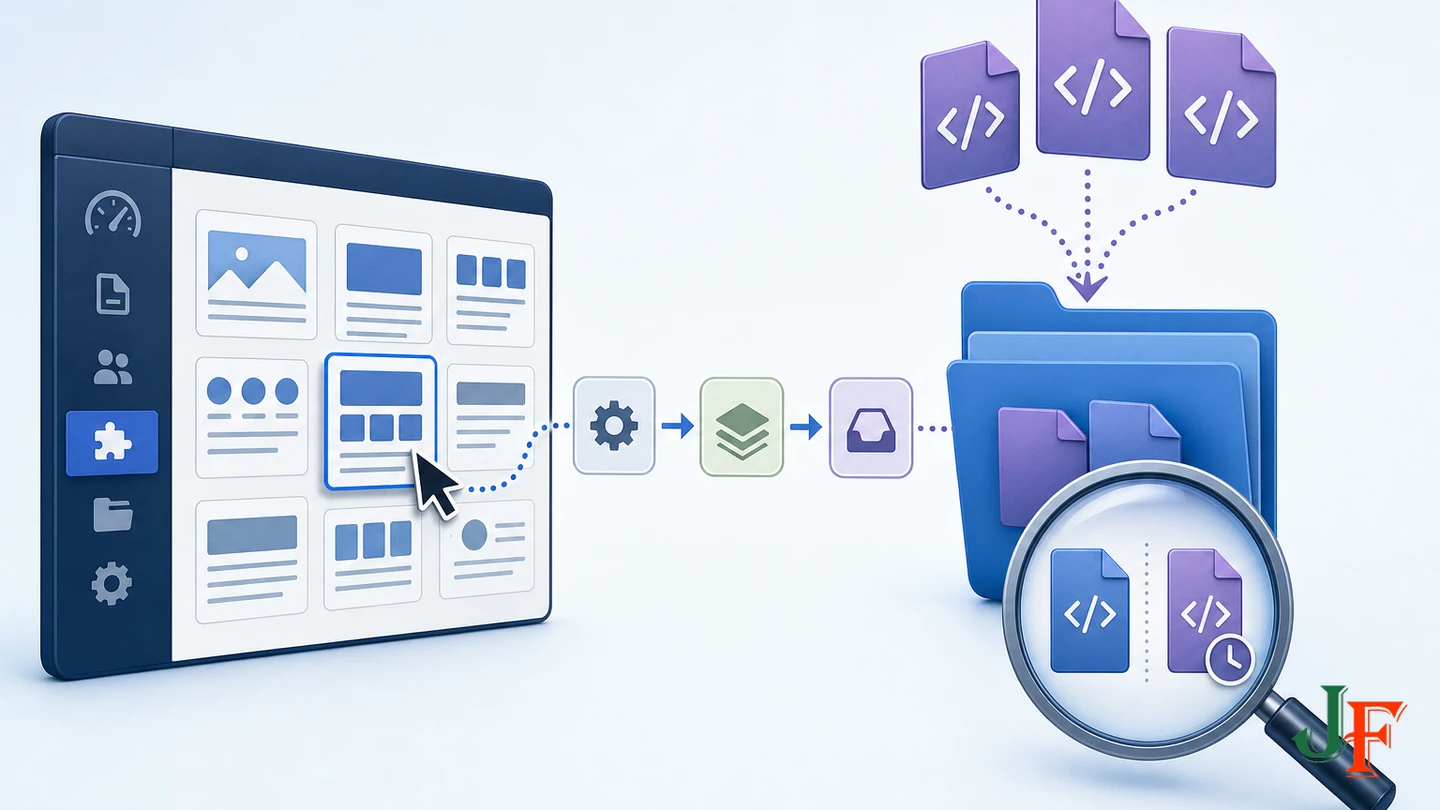
- Open System, then Templates, then Site Templates. Labels may vary with the administrator language.
- Select the Details and Files view for your Cassiopeia child, or for the intentionally maintained active template.
- Open Create Overrides.
- Select the required component view or module. Creation happens immediately rather than after a separate confirmation prompt.
- Inspect every generated PHP file before editing. The selected view can produce multiple files even if you need only one.
- Where practical, retain only the files you intentionally plan to maintain, after preserving a backup or version-history record.
The workflow and immediate creation behavior are documented in Templates: Customise. Direct inspection of Joomla 6.1.2 shows that Create Overrides recursively copies PHP files. If a destination already exists, it creates a date-and-time-suffixed copy instead of overwriting the maintained override. That timestamped copy is not automatically the active default.php override. Compare it with your maintained file and remove unneeded copies only after backing them up. See the tagged Joomla 6.1.2 TemplateModel implementation.
Method 2: Create the override manually
- Locate the current upstream PHP layout listed in the path table.
- Create the matching destination directories under the active template or Cassiopeia child's
htmldirectory. - Copy only the PHP file needed for the change.
- Record the unmodified copy in version history.
- Make one small presentation change and test it before continuing.
Manual creation is useful when you want one specific subtemplate and do not want the administrator action to generate several files. Do not copy the entire component, module, or parent template.
Practical Joomla template override examples

Example 1: Single article override
Use this destination:
templates/<template>/html/com_content/article/default.phpStart from the current source at components/com_content/tmpl/article/default.php, not a file from an old tutorial. Make the narrowest possible markup adjustment—for example, add a class to an existing wrapper you have inspected rather than rewriting the whole layout.
The inspected Joomla 6.1.2 article layout escapes article and page headings, performs access handling, preserves content plugin event positions, and renders reusable image, metadata, tag, link, and read-more layouts. Review these elements deliberately when editing. Removing code because it appears unrelated can suppress plugin output, alter access-dependent presentation, or damage heading and semantic behavior. These details are visible in the tagged article layout.
Example 2: Minimal Category Blog item override
For a change to each article card, use:
templates/<template>/html/com_content/category/blog_item.phpThis is preferable to overriding the whole category/blog.php when the change concerns an item's title, intro image, metadata, intro text, tags, or read-more area. The current main blog layout calls loadTemplate('item'), so Joomla can use your blog_item.php while leaving overall grouping, lead and intro placement, child categories, columns, linked items, and pagination in the upstream main layout. This delegation is confirmed by the Joomla 6.1.2 Category Blog layout.
Override category/blog.php only when the required change genuinely affects that overall structure. Keeping only blog_item.php reduces the amount of upstream code you must compare after updates.
The current item layout delegates smaller elements to reusable layouts, including intro image, title, information block, tags, and read-more output. Preserve relevant access handling and content event output unless their removal is deliberate and tested. See the Joomla 6.1.2 blog item source.
Example 3: Latest Articles module override
Use:
templates/<template>/html/mod_articles_latest/default.phpThe directly inspected Joomla 6.1.2 source is modules/mod_articles_latest/tmpl/default.php. Keep the existing iteration and link behavior unless the change requires otherwise. In particular, the inspected layout escapes article titles with htmlspecialchars and includes schema.org Article microdata. Preserve or deliberately replace those features, then test the result rather than removing them accidentally. See the official Latest Articles default layout.
Related guidance: create a Joomla module override.
Example 4: Reusable JLayout override
Reusable layout overrides have a separate hierarchy beneath html/layouts. The identifier:
joomla.content.blog_style_default_item_titlemaps to the source hierarchy:
layouts/joomla/content/blog_style_default_item_title.phpand to this override destination:
templates/<template>/html/layouts/joomla/content/blog_style_default_item_title.phpThe identifier mapping is documented in Template Overrides, and its use in the current Category Blog item is visible in blog_item.php.
A shared joomla.* layout may be consumed by more than the view that led you to it. Identify and test all relevant consumers before overriding it. Do not assume this change is scoped only to Category Blog output. If you need a narrowly scoped change, the view-specific blog_item.php override is often easier to control.
Preserve security-sensitive, accessible, and SEO-relevant output
Current Joomla 6.1.2 layouts demonstrate why a visual comparison alone is insufficient. Depending on the inspected layout, core code contains escaping, access checks, content plugin event positions, edit-related output, heading-level logic, visually hidden labels, language-related metadata, reusable layout calls, and structured-data attributes. Not every layout contains every feature, but careless deletion can still cause significant regressions. The article, Category Blog, Blog Item, and Latest Articles sources cited above are the path and markup authority for these examples.
- Escaping: Preserve escaping around titles and other text unless you have a reviewed reason and an equally safe replacement.
- Access behavior: Test public and restricted content states relevant to the site.
- Plugin events: Confirm that content plugin output still appears in its intended position.
- Editing states: Test a user who can see front-end editing controls if that state is used.
- Headings: Inspect the complete page hierarchy, not just the isolated override.
- Accessibility: Preserve useful hidden labels and test link purpose, keyboard use, and assistive-technology output as appropriate.
- SEO: Check titles, links, language metadata, indexable text, and generated page structure after changing markup.
- Structured data: Revalidate relevant structured data when modifying the Latest Articles markup or other semantic attributes.
Accessibility, SEO, security, and performance testing are recommendations for your customized result; they are not automatic benefits of creating a child template or override.
How Joomla detects outdated overrides
With the Installer - Override plugin enabled, Joomla's override-management system can record when a corresponding upstream source changes during a Joomla update, extension update, or extension installation. The administrator's Updated Files area provides a review and diff workflow. It reports a change; it does not merge that change into your override. See Improved Override Management and Templates: Customise.
Automatic detection covers files represented by Create Overrides. It does not cover alternative layouts, CSS overrides, or JavaScript overrides. Keep those customizations in version control and include them in a separate manual review.
A repeatable post-update workflow
- Back up and update a staging copy first.
- Review Joomla's override notification and the template's Updated Files list.
- Compare the current upstream layout with both the previous upstream version and your maintained override.
- Identify relevant bug fixes, security-related handling, changed variables, markup, accessibility features, event positions, and new behavior.
- Merge only the upstream changes that are applicable while retaining the intended customization.
- Test representative menu items, modules, templates, user access states, plugin output, error conditions, headings, structured data, and responsive presentation.
- Deploy the reviewed file through the site's normal controlled process.
- Only after testing, mark the Updated Files record as checked or remove the applicable history entry through the documented workflow.
Related guidance: test Joomla updates on a staging site.
Related guidance: review Joomla Updated Files for overrides.
Troubleshooting a Joomla template override
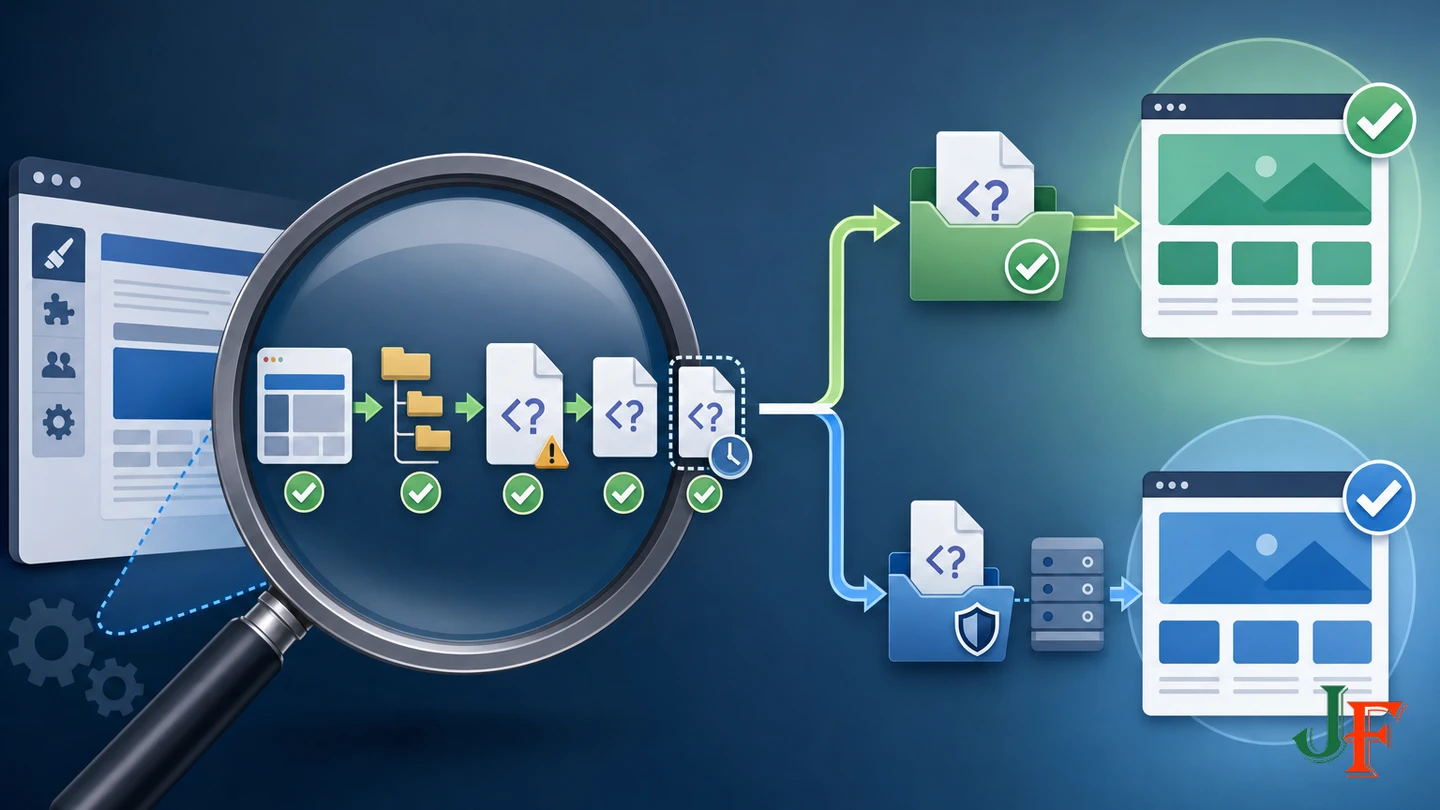
The override has no effect
- Confirm that the template style using the override is active for this menu item.
- Verify the current source and destination paths character for character.
- Reject Joomla 3 paths containing
/views/.../tmpl/. - Confirm whether the rendered page is a single article, Category Blog item, module, or reusable layout.
- Check whether you created a differently named alternative layout but did not select it in settings that support alternative layouts.
- If the installation is exactly Joomla 6.1.2 or 5.4.7, investigate the documented article-layout regression and official remediation.
Cache layers vary between sites, browsers, proxies, CDNs, and hosting platforms. Do not assume that clearing one cache will solve every override problem.
A blank page or PHP error appears
Restore the last working version first. Compare the edited file with its current upstream source, paying particular attention to PHP syntax, removed variables, conditionals, and braces. Keep view logic minimal; a standard override is intended to present data prepared by the extension rather than become a substitute for unrelated application or data-access logic.
Timestamped files appeared
In the directly inspected Joomla 6.1.2 behavior, Create Overrides saves a timestamped copy when the destination already exists. The timestamped file does not automatically replace the active default.php. Back it up, compare it with the maintained override, merge relevant differences manually, and remove unneeded duplicates when safe.
Safe rollback
Rename or remove the specific override from the active template after preserving a backup. Joomla can then fall back to the upstream layout inherited from the parent or supplied by the extension, depending on the file involved. Test the rollback on the assigned test menu item before changing the production default.
Production deployment checklist
- The Cassiopeia child is assigned to a test menu item before becoming the default.
- The parent Cassiopeia template remains installed and updated.
- Only necessary override files are present.
- Source and destination paths use the current Joomla 5/6 structure.
- The original and customized files are recorded in backup or version history.
- Public, restricted, and editing states relevant to the site have been tested.
- Plugin output, headings, accessibility behavior, links, metadata, and structured data have been reviewed.
- Updated Files notifications and manually tracked CSS, JavaScript, and alternative layouts are included in the maintenance plan.
- The affected Joomla release has been checked for the article-layout regression and current official remediation.
Frequently asked questions
Will an override survive a Joomla core update?
An ordinary core-extension update does not directly replace the custom copy under the template's html directory. The override still replaces the newly updated upstream layout, however, so you must review and merge applicable upstream changes manually.
Should I use Cassiopeia directly or a child template?
A newly added extension override can be stored under Cassiopeia, but a child provides stronger documented isolation when changing parent-supplied files or maintaining a larger customization set. Keep the parent installed and updated. For third-party templates, check the vendor's update documentation rather than assuming equivalent preservation behavior.
Should a Category Blog change use blog.php or blog_item.php?
Use category/blog_item.php when changing each article card. Use category/blog.php only when changing overall grouping, columns, linked items, child categories, or pagination.
Does Joomla automatically merge upstream fixes?
No. Updated Files can identify a relevant source change and support comparison, but the developer decides what to port and must test the result.
Does override checking cover user.css and alternative layouts?
No. Official automatic checking excludes CSS, JavaScript, and alternative layouts. Review those files manually and track them in version history.
Why does a renamed layout not activate automatically?
A same-named default override is automatic for the active template. A differently named alternative layout must be selected in settings that support it, and its documented base filename must not contain underscores.
Can an override change component business logic?
A standard override is intended to customize rendered output using data prepared by the component or module. If required data or behavior is unavailable, an extension, plugin, custom module, or another properly designed solution may be more maintainable than forcing unrelated logic into the layout.
Sources
- Joomla! Project Roadmap
- Joomla 6.1.2 & 5.4.7 Security & Bugfix Release
- J4.x: Template Overrides
- J4.x: Template Layouts
- J4.x: Improved Override Management
- J4.x: Child Templates
- Help4.x: Templates: Customise
- Joomla CMS 6.1.2 TemplateModel.php
- Joomla CMS 6.1.2 com_content Article default Layout
- Joomla CMS 6.1.2 com_content Category Blog Layout
- Joomla CMS 6.1.2 com_content Category Blog Item Layout
- Joomla CMS 6.1.2 Latest Articles Module Default Layout

Add comment