
Good Joomla website planning turns a business idea into a documented implementation plan before template styling, extension installation, or bulk content entry begins. It connects business objectives with audience needs, content, navigation, Joomla categories, menu item types, URLs, hosting, accessibility, launch testing, and long-term ownership.
This matters whether you are a small business commissioning a website, a freelancer defining a project, or an agency preparing a client scope. Decisions made early can expose missing content, incompatible dependencies, unclear calls to action, unsuitable hosting, and maintenance responsibilities that nobody has accepted. This tutorial presents a practical planning workflow synthesized from Joomla architecture, search, accessibility, backup, and update guidance. It is not an official Joomla-prescribed methodology, and it does not promise search rankings or eliminate the need for implementation testing. Its purpose is to give you a clear blueprint against which the completed site can be built, reviewed, and accepted.
What Joomla website planning should produce
A planning document should explain more than how the website might look. It should answer the following questions:
- What business result should the website support?
- Who will use it, and what tasks must those users complete?
- Which pages, recurring content types, forms, integrations, and protected areas are required?
- How will content be classified in Joomla, and how will visitors reach it?
- Which URLs should be retained, replaced, redirected, indexed, or excluded from search?
- Which Joomla version, hosting environment, template, extensions, and external services will be used?
- Who can create, review, publish, update, back up, and recover the site?
- What tests and acceptance criteria must be passed before launch?
The result becomes a shared reference for the client, designer, content team, developer, and future site administrator. It also helps separate required launch work from optional later improvements.
Choose the Joomla version before hosting or extensions
Version selection affects hosting, templates, extensions, integrations, deployment tools, and the expected support horizon. According to the Joomla Project Roadmap, as of 2026-07-28 Joomla 6.1.2 was the current stable Joomla 6 release, while Joomla 5.4.7 was the current stable Joomla 5 release.
At that date, Joomla 6.x was the actively developed series, with regular bugfix support scheduled through 2028-10-17 and security-only support through 2029-10-16. Joomla 5.x was in bugfix mode, with regular bugfix support scheduled to end on 2026-10-13 and security-only support on 2027-10-12.
For most new projects, Joomla 6.1 is therefore the stronger planning baseline because it has the longer support horizon. This is a recommendation, not a universal compatibility rule. Joomla 5.4 may still be appropriate when a required template, extension, integration, or migration dependency has not been validated for Joomla 6. Verify every selected product against the exact Joomla and PHP versions instead of assuming that Joomla 5 compatibility automatically means Joomla 6 compatibility.
A step-by-step Joomla website planning process
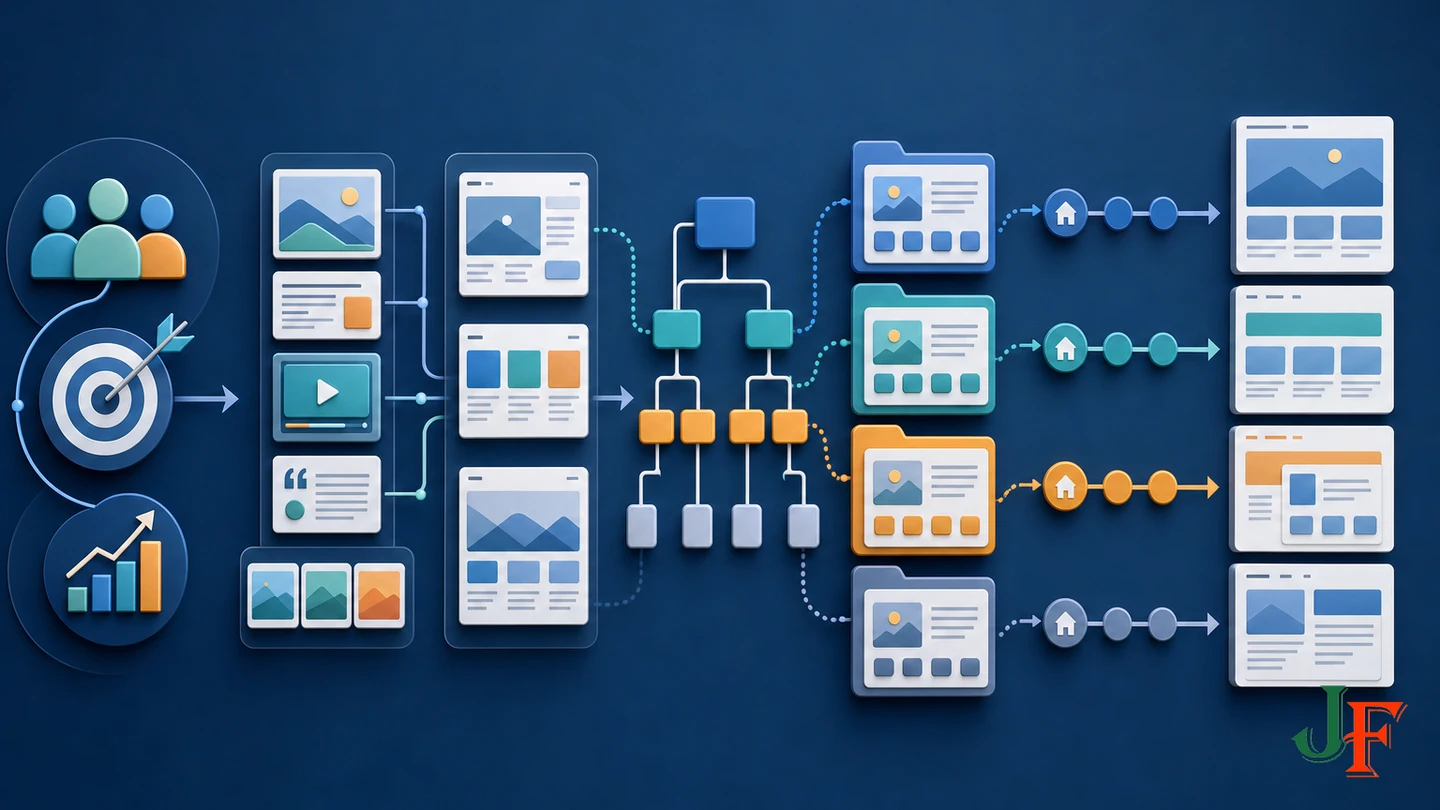
Step 1: Define goals, audiences, tasks, and calls to action
Begin with outcomes rather than pages. Record the business goal, the audience involved, the task that person needs to complete, the desired call to action, and the evidence that will show whether the outcome is being supported.
| Business goal | Audience task | Possible call to action | Measure |
|---|---|---|---|
| Generate suitable enquiries | Understand a service and assess fit | Request a consultation | Qualified form submissions |
| Reduce repetitive support requests | Find an accurate answer | Read a guide or contact support | Useful guide visits and support trends |
| Promote resources | Browse material by subject | Open or download a resource | Resource engagement |
Avoid goals such as “make it modern” or “rank number one.” They do not define a user task or a testable business result. Search visibility can be planned and measured, but it cannot be guaranteed.
Step 2: Audit content and assign owners
If a website already exists, inventory its pages, documents, media, forms, metadata, inbound links, and important URLs. Mark each item as retain, revise, combine, replace, redirect, archive, or delete. For a new organization, list the content that must be created and the evidence, images, approvals, or legal review needed for it.
Assign a named owner to every important content group. Record who supplies the draft, who approves it, who publishes it, and who reviews it after launch. “The client” or “the marketing team” is usually too vague to establish accountability.
Related guidance: create a detailed Joomla content plan.
Step 3: Define recurring content types
Pages that share a repeatable structure should be modeled before content entry. Examples can include services, case studies, team members, locations, events, news, and resources. A content-type matrix is a useful synthesized planning technique rather than a mandatory Joomla workflow.
| Content type | Required information | Classification | Display and URL | Ownership | Possible implementation |
|---|---|---|---|---|---|
| Service | Summary, benefits, audience, call to action | Service category and relevant tags | Service page and category overview | Service owner | Article, with fields if structured attributes are needed |
| Case study | Challenge, work, outcome, related service | Case-study category plus cross-cutting labels | Individual story and browsable collection | Account owner | Article, fields, or a suitable component |
| Resource | Title, description, subject, file or destination | Resource category, topic tags | Resource page and filtered collection | Content editor | Articles or a dedicated extension after evaluation |
For each type, record its required fields, classification, URL pattern, layout, permissions, search purpose, owner, and review needs. Joomla custom fields can add structured attributes to articles and can be limited to selected categories, according to the Joomla 5 custom-fields documentation. Use that as a planning option, but verify the exact Joomla 6.1 behavior, available field inventory, and current interface before writing implementation instructions.
Related guidance: plan and create Joomla custom fields.
Step 4: Draft a human-readable sitemap
The planning sitemap is an information-architecture document for people. It shows proposed pages and relationships without yet forcing every branch to become a Joomla category or menu item.
Home
Services
  Advisory
  Implementation
Work
  Case Studies
Resources
  Guides
  News
About
Contact
Annotate each proposed page with its audience, purpose, content owner, primary call to action, indexability decision, proposed alias, content source, and launch status. Check that each important audience task has an obvious entry point and destination.
Step 5: Map the sitemap to Joomla content
Now decide how Joomla will store and classify each item. In Joomla, an article is a self-contained content unit that belongs to one article category. Categories can contain articles and subcategories in a tree. The category tree and menu tree are independent structures, even when their labels look similar. These relationships are documented in the official Articles and Categories guide.
Design categories to organize and select content, not simply to duplicate the visible navigation. For example, all case studies might belong to one Case Studies category even if visitors encounter selected case studies from service pages, the home page, and a portfolio menu item.
Because an article belongs to one article category, identify cross-cutting classification needs early. Tags, custom fields, contextual links, or a more specialized component may be better than duplicating the same article. Record the reason for each category so future editors know where new content belongs.
Related guidance: understand Joomla categories versus menus.
Step 6: Design separate menu structures
Plan the main menu around priority visitor tasks. Then document any footer, utility, or account menu separately. A footer may expose policies and secondary organizational pages; a utility menu may provide contact or support access; an account menu may be relevant to authenticated users. There is no universal ideal number of menu items or levels, so test the proposed structure with representative users and content.
Use specific labels that describe destinations. Avoid relying on vague labels when users need more context. Also document which pages should be reachable through contextual links inside articles, because not every useful page needs a place in the main menu.
Step 7: Select menu item types and layouts
Joomla menu items are navigation units, and their types expose different component views or destinations. The official Menu Items guide supports these common planning choices:
- Single Article: exposes one selected article and is suitable for an important standalone destination.
- Category Blog: exposes multiple articles selected from a category in a blog-style layout governed by the menu item's parameters.
- Category List: exposes articles from a category in a list-oriented layout.
Not every article needs its own menu item. A news section, for example, can use a category-based menu item that automatically exposes articles assigned to the selected category. Record the proposed menu item type and layout beside each sitemap destination so the build team understands how it should be produced.
Plan SEO, URLs, internal links, and sitemaps
Step 8: Give every indexable page a distinct purpose
For each page intended for search, record its audience, search intent, unique purpose, proposed title, descriptive alias, summary or meta-description requirement, internal-link sources, and desired next action. Google recommends logical site organization, descriptive URLs, useful content, meaningful internal links, unique titles, useful descriptions, and descriptive image alternative text in its SEO Starter Guide.
Do not create several pages with no meaningful distinction merely to repeat keywords. Google does not use the meta keywords tag, and keyword stuffing violates its spam policies. If your publishing system still requests metadata keywords, treat them as internal descriptive metadata rather than a ranking mechanism.
Step 9: Establish URL and redirect rules
Agree on concise alias conventions before content entry. Record legacy URLs that must be preserved or redirected when replacing an existing website. Changing routes late can create avoidable migration work and broken links.
Joomla's SEF URL setting is managed through Global Configuration. Removing index.php through URL rewriting additionally requires the appropriate web-server configuration, and the exact configuration varies by server. URL rewriting is optional for Joomla's basic operation. Plan this with the host and consult the official Search Engine Friendly URLs guide before implementation.
Step 10: Distinguish a planning sitemap from an XML sitemap
A planning sitemap describes proposed pages and relationships for people. An XML sitemap supplies selected URLs and file relationships to search engines. They are different deliverables.
An XML sitemap does not guarantee that a URL will be crawled or indexed. Important pages should still be reachable through menus or meaningful contextual links. Google notes that XML sitemaps can be especially useful for new, large, complex, or media-heavy sites in its sitemap guidance.
The reviewed research did not verify that Joomla 6.1 core automatically creates and submits a production-ready XML sitemap. During implementation, verify the current core and extension options, decide which canonical URLs belong in the sitemap, validate the generated XML, and test it before submission.
Plan functionality, permissions, hosting, and accessibility

Step 11: Define functionality before evaluating extensions
Write requirements as user tasks and acceptance criteria. “The visitor can submit an enquiry and the responsible team receives the required information” is more useful than “install a forms extension.” Include validation, confirmation, notification, storage, privacy, accessibility, error handling, and administrative needs where relevant.
Create a dependency register for templates, extensions, payment services, APIs, email services, and deployment tools. For each dependency, record its purpose, owner, supported Joomla and PHP versions, vendor support status, renewal cost, data implications, and replacement plan. Compatibility must be verified product by product.
Step 12: Plan roles, approval, and handover
List the people who will create, edit, approve, publish, administer, update, and recover the site. Define only the access each role requires, and decide whether sensitive or high-risk content needs an approval step. Also plan the client handover: documentation, administrator training, credential ownership, licensing records, recovery contacts, and acceptance sign-off.
Step 13: Verify hosting against the target Joomla version
The official Joomla 6.x Technical Requirements list PHP 8.3.0 as the supported minimum and recommend PHP 8.4. They support MySQL 8.0.13 or later, MariaDB 10.6 or later as the supported level with 10.4 shown as the enforced minimum, and PostgreSQL 14 or later as the supported level with 12 shown as the enforced minimum. Required PHP modules include json, simplexml, dom, zlib, gd, and an appropriate database driver; mbstring is recommended. The documentation recommends at least 256 MB of PHP memory.
These values are version-sensitive compatibility requirements, not a promise of suitable performance for every workload. Ask the host to confirm the exact target Joomla version, PHP version and modules, database version, memory, HTTPS, backup and restore access, staging capability, logs, outbound email, scheduled-job needs, storage, and access to configure rewriting where required. Traffic, media processing, search, ecommerce, membership features, extensions, and backup operations can change resource requirements.
Step 14: Include accessibility in the structure
Accessibility requirements belong in sitemaps, wireframes, templates, menus, forms, and content-entry instructions. Plan meaningful page regions, logically nested headings, descriptive navigation labels, keyboard operation, understandable forms, image alternative text, and orientation cues. The W3C Web Accessibility Initiative explains how semantic regions and heading structure help users navigate and understand pages in its Page Structure Tutorial.
Include accessibility checks in acceptance testing rather than assuming that a template or planning checklist guarantees compliance. Legal obligations vary, and structural planning alone does not prove jurisdiction-specific legal compliance.
Plan maintenance and test before production
Step 15: Assign backup, update, monitoring, and review work
A Joomla backup must cover both the file tree and the database. Most content is stored in the database, while code, media, configuration-related files, and overrides reside in the file system. The official Joomla Backup guide also warns against relying solely on hosting-provider snapshots. Document who creates complete backups, where separate copies are retained, and how restored sites will be tested.
For updates, assign responsibility for watching notices, reviewing pre-update checks, checking extension compatibility, creating a backup, testing on staging where appropriate, applying the update through the Joomla Update component, and reviewing the site afterward. These safeguards are part of the official Version Update guidance.
Do not prescribe one maintenance interval for every site. Set schedules according to content volatility, business risk, extension exposure, and update announcements. Automated updates should not be treated as risk-free or as substitutes for backups, compatibility review, staging, and post-update testing.
create and test a Joomla backup and restore plan or use a staging copy before editing the production design.
Related guidance: follow a Joomla update checklist.
Related guidance: use a Joomla website maintenance checklist.
Prototype the structure
Before full styling or bulk content production, build a small structural prototype using representative content. Test the proposed menu labels, category-based pages, important tasks, URL patterns, forms, permissions, heading structure, keyboard use, and mobile navigation. Ask people who resemble the intended audience to locate key information and complete priority tasks.
Record failures as planning changes rather than cosmetic defects. A page that nobody can find may need a better label, stronger contextual links, a different menu location, or a revised sitemap relationship.
Related guidance: set up a Joomla staging site.
Practical planning examples
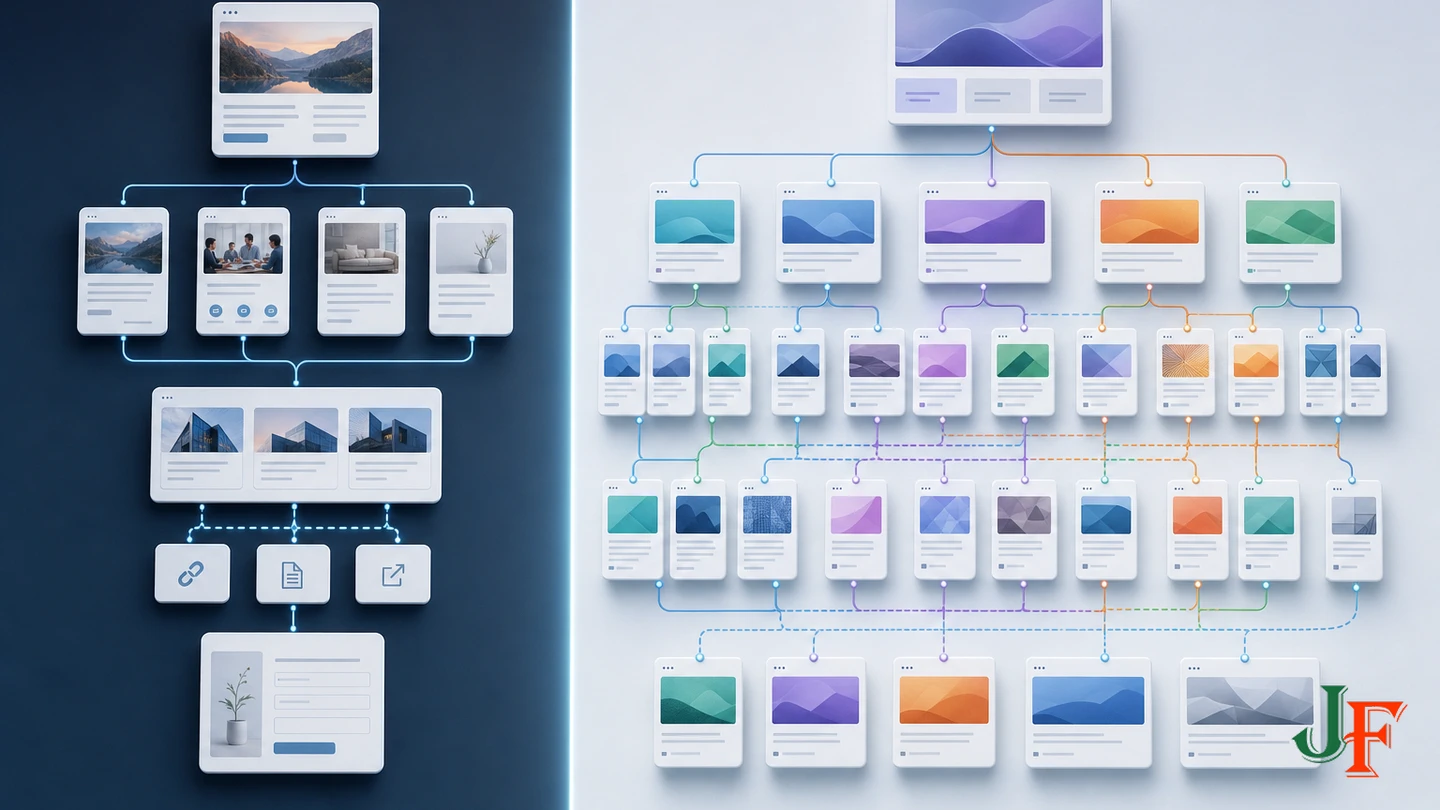
Small service-business website
A small consultancy might plan standalone articles for About and Contact, a Services category with one article per service, and a Case Studies category. The main menu could expose Services through a Category Blog item while selected service pages receive contextual links from the home page. Case studies can link back to relevant services without requiring the category tree to copy the main menu.
The content matrix would identify the owner, call to action, proposed alias, review requirement, and structured details for each service. The technical plan would confirm the form solution, email delivery, Joomla and PHP compatibility, hosting, backup ownership, accessibility tests, and URL redirects from any replaced site.
Agency or resource-library website
An agency with many resources might create a Resources category with suitable subcategories, then use tags or structured fields for cross-cutting topics. A Category List or Category Blog menu item could expose the collection, while landing pages and articles provide contextual links to selected resources. If filtering, access, or structured relationships exceed what the planned article model can handle, the team can evaluate a dedicated extension against written acceptance criteria rather than selecting one by feature list alone.
Joomla website planning checklist
- Business goals, audiences, priority tasks, calls to action, and measures are documented.
- Existing content and URLs have retain, revise, redirect, archive, or delete decisions.
- Every important content group has a named owner and approval route.
- Recurring content types, required information, classifications, and layouts are mapped.
- A human-readable sitemap has been reviewed independently of categories and menus.
- Joomla categories, tags, fields, components, and extensions have defined purposes.
- Main, footer, utility, and account menus are planned where needed.
- Menu item types are selected for representative destinations.
- SEO purposes, aliases, internal links, indexability, XML sitemap needs, and redirects are recorded.
- Templates, extensions, integrations, PHP, and deployment tools have compatibility evidence.
- Hosting has been checked against the exact target Joomla version.
- Permissions, approval, handover, accessibility, and launch tests are included.
- Complete backups, restoration tests, updates, monitoring, content review, and recovery have owners.
- A representative structural prototype has passed task-based testing before full production.
Common planning problems and troubleshooting

| Problem | Likely planning cause | Planning response |
|---|---|---|
| Visitors cannot find an important page | The sitemap reflects the organization rather than audience tasks | Retest labels, menu placement, and contextual links with representative users |
| Editors do not know where an article belongs | Categories have no documented purpose | Write a category rule and use tags, fields, or links for cross-cutting classification |
| The menu becomes difficult to maintain | Every article was given a menu item | Review whether Category Blog or Category List items can expose collections |
| Search URLs change during the build | Aliases and routing decisions were postponed | Approve URL conventions early and maintain a redirect register for replaced URLs |
| A required extension cannot be deployed | Compatibility was assumed | Check the exact Joomla, PHP, database, integration, and vendor-support requirements |
| A backup cannot restore the site | Only files, only the database, or only a host snapshot was retained | Plan complete site-controlled backups and test restoration |
Frequently asked questions
Should Joomla categories match the main menu?
No. Categories organize and select content, while menu items expose pages, component views, and destinations to visitors. They can resemble each other, but Joomla treats them as independent trees.
Does every article need a menu item?
No. Important standalone pages may use Single Article items. Collections can use Category Blog or Category List items to expose articles assigned to a category.
Is a planning sitemap the same as an XML sitemap?
No. The planning sitemap is a human-readable model of proposed pages and relationships. An XML sitemap is a machine-readable selection of URLs for search engines, and it does not guarantee crawling or indexing.
Do I need an SEO extension?
The supplied research does not establish that every site needs one. First document page purposes, titles, aliases, internal links, indexability, redirects, and sitemap requirements. Evaluate an extension only if verified requirements justify it.
Can meeting Joomla's minimum hosting requirements guarantee performance?
No. Minimum requirements establish compatibility floors. Appropriate resources depend on the site's traffic, media, extensions, background work, backups, search, and transactional features.
How often should a Joomla site be maintained?
There is no universal interval. Base the schedule on update notices, content volatility, business risk, extension exposure, and recovery requirements. Name the responsible people and document what they must check.
Sources
- Joomla! Project Roadmap, Joomla! Project / Open Source Matters, Inc.
- Technical Requirements, Joomla! Programmers Documentation.
- Articles and Categories, Joomla! User Guide.
- Menu Items, Joomla! User Guide.
- J5.x: Adding Custom Fields, Joomla! Documentation.
- Search Engine Friendly URLs, Joomla! User Guide.
- Search Engine Optimization (SEO) Starter Guide, Google Search Central.
- Learn About Sitemaps, Google Search Central.
- Page Structure Tutorial, W3C Web Accessibility Initiative.
- Backup, Joomla! User Guide.
- Version Update, Joomla! User Guide.

Add comment