
N8n Joomla integration: learn what the latest Joomla release adds, how to upgrade safely, developer notes, system checks and roadmap guidance for site owners.
Why use n8n with Joomla?
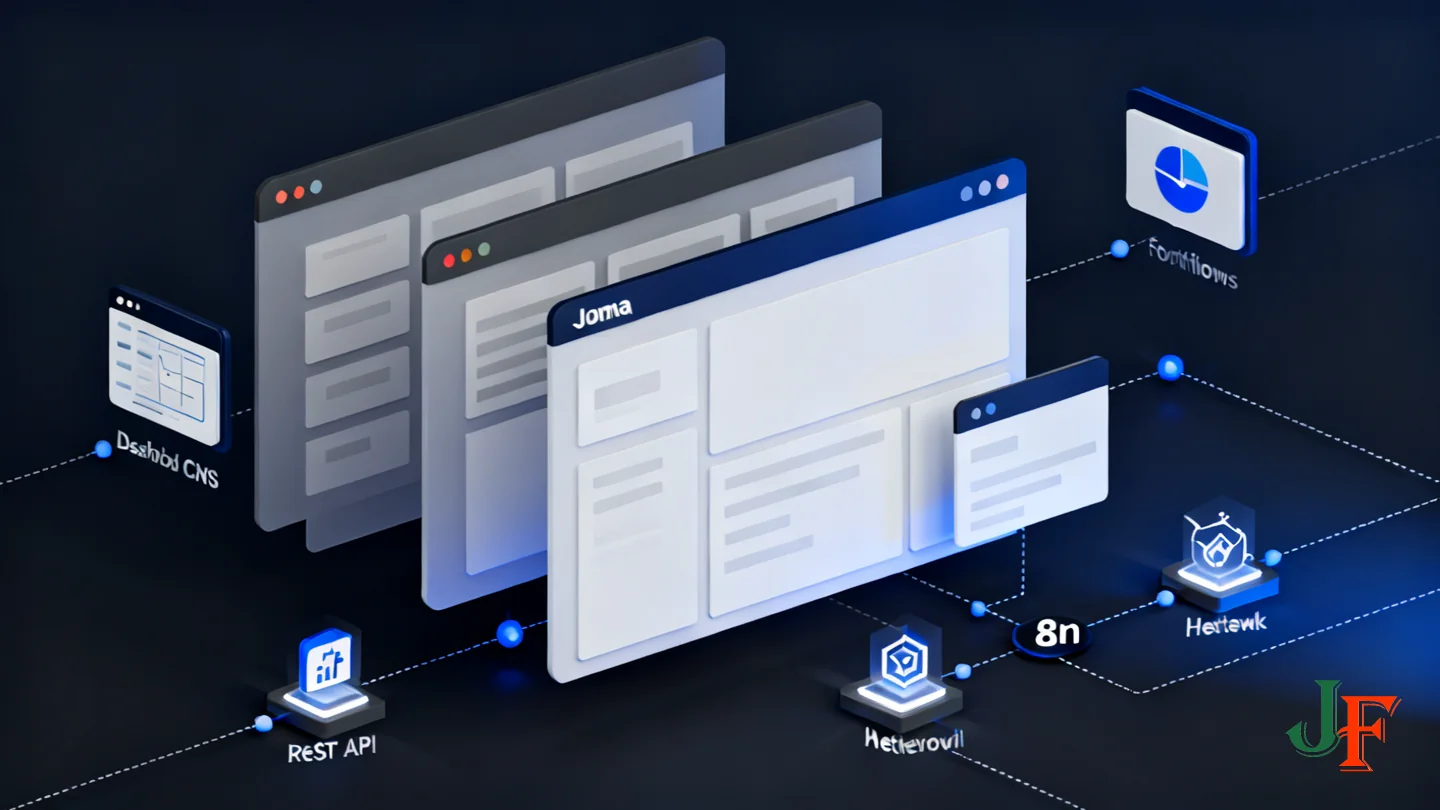
n8n is a low‑code workflow automation tool that uses reusable nodes connected into workflows. In the editor you combine triggers (events that start a workflow), nodes that transform or enrich data, and connectors that call external APIs. For Joomla users this model makes it possible to automate multi‑step tasks without building a custom integration from scratch.
Common Joomla automation scenarios include:
- Auto‑publishing and scheduled content imports (RSS, CSV, Google Sheets).
- AI‑assisted content generation and translation pipelines that prepare drafts for human review.
- Multilingual content workflows that create language associations and metadata.
- User management tasks (provisioning, role updates) and notification workflows.
- Integrations with CRMs, email marketing, storage services and analytics.
Key benefits for Joomla administrators and developers:
- Flexibility: build simple one‑step automations or complex multi‑branch workflows that include error handling and retries.
- Self‑hosting and data control: n8n can run on your infrastructure when data residency or privacy is a concern.
- Traceability and debugging: executions are logged so you can inspect inputs/outputs and trace failures.
- Efficiency: reduce repetitive manual work, speed up publishing cycles, and enforce consistent metadata and tagging.
Practical expectations and advice: n8n is low‑code, not zero‑code—some familiarity with HTTP APIs and Joomla’s Web Services will make integrations smoother. Start small in a staging site (create drafts rather than publishing immediately), add a human review step for AI‑generated content, and use credential management and HTTPS to protect your endpoints. For a broader comparison of tools and strategic tips see our automation tools and integrations guide.
As you scale, add monitoring and notifications for failures, use versioning for workflows where possible, and review credentials regularly. This keeps automation reliable and auditable as your site grows. Pair n8n automations with human‑in‑the‑loop checks for AI content to stay aligned with contributor policies.
Quick primer: What is n8n and how it works

n8n is a low-code workflow automation tool that lets you visually compose sequences of actions—called workflows—by connecting triggers, transformation steps and integrations (nodes). It’s designed so non-developers and developers can build integrations that call APIs, process data, and run repeatable tasks without writing a full custom application.
- Core components: the Editor UI where you design workflows; workflows which are the saved sequences; nodes that perform actions or transform data; credentials that store API keys or OAuth tokens; and the executions log that shows past runs and errors.
- Triggers and nodes: workflows usually start with a trigger (manual, webhook, schedule, or external event). Nodes perform discrete tasks—HTTP requests, data mapping, calling AI services, or branching logic—and pass results between nodes.
- Reusable credentials: credentials are stored centrally in n8n and referenced by nodes. This lets you reuse the same API token or OAuth connection across many workflows while keeping secrets out of the workflow logic.
Deployment options and security implications: n8n can run self-hosted (Docker, VPS, or managed Kubernetes) or as a hosted cloud service. Self-hosting gives you full control over data residency and environment security; cloud hosting can simplify maintenance. Consider HTTPS, network restrictions, and where executions (and any sensitive data) are stored when choosing deployment mode.
How n8n connects to Joomla and other services: n8n talks to external systems via HTTP requests, OAuth flows, or provider-specific nodes. Typical Joomla integrations use the HTTP Request node with API tokens or OAuth credentials. Because n8n logs executions, you can inspect requests and responses during testing—use staging sites and credential-scoped accounts when moving to production.
For deployment commands and version-specific instructions, consult the official n8n documentation before installing or upgrading.
What’s relevant in recent Joomla releases (quick note)
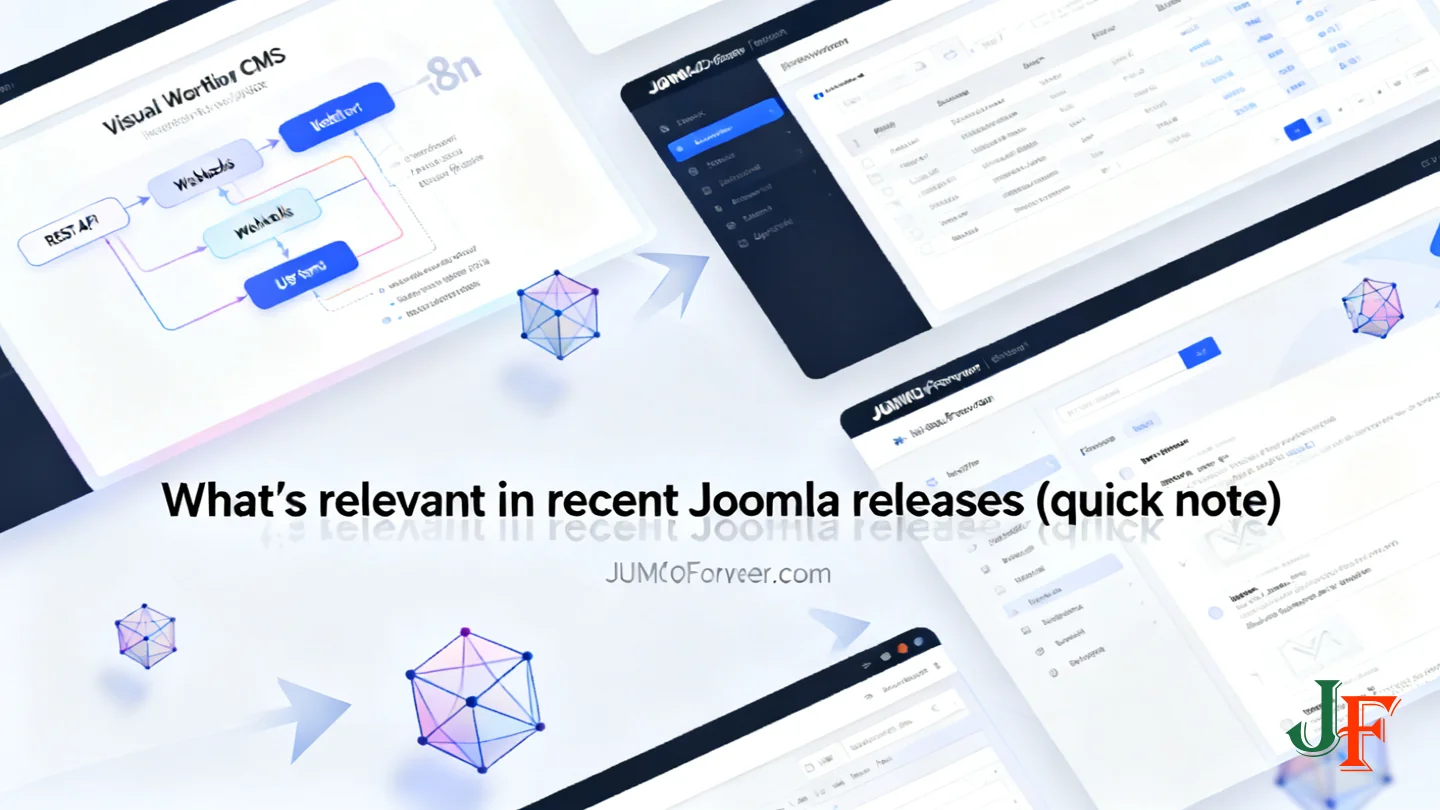
Joomla 6.1 was published on April 14, 2026 and includes a handful of improvements that directly affect automation and AI-assisted content workflows. These highlights are useful to know when designing n8n integrations and deciding which site features to leverage or test in staging. (Joomla 6.1 release announcement)
- Visual Workflow Editor — a new interactive diagram that helps administrators see and manage content publication steps; this makes it easier to align automated pipelines (like n8n workflows) with site-level approvals and stages.
- Proof-of-Work CAPTCHA — a privacy-friendly spam protection that runs without extra accounts; useful for public endpoints and forms that automation or external services might interact with.
- Media Custom Fields — new audio, video and document field types that let automated workflows attach richer media to articles or content items.
- Module versioning and multilingual associations — version history for modules and the ability to associate module instances across languages, which simplifies multilingual publishing and rollbacks for automated content deployments.
These are summary items taken from the official announcement; consult the full release notes for the complete list and for upgrade guidance before applying changes to production. See the Joomla 6.1 announcement for details.
Prerequisites: What you need before you start

Before you connect n8n to a Joomla site, prepare the environment and accounts so you can safely build and test automations.
- Joomla access: A Joomla site with administrator access or a user able to enable Web Services/API access and manage API tokens.
- n8n instance: An n8n setup (self‑hosted or n8n cloud) and basic familiarity with the n8n editor and nodes.
- Credentials & permissions: A dedicated API user or token for automation, created with the minimum permissions required (prefer draft/article creation rights rather than broad admin where possible). Store credentials securely in n8n’s credential manager.
- Secure connectivity: HTTPS for your Joomla endpoints (valid TLS certificate). Consider IP restrictions, firewalls, and limiting access to the n8n editor.
- Backups & staging: A recent backup of your Joomla site and a staging/testing environment. Configure workflows to create drafts by default to avoid accidental publishing.
- Operational basics: Plan token rotation, logging/monitoring, and a rollback procedure before enabling automated publishing.
Work in a staging site first and verify each workflow end‑to‑end before applying to production.
How Joomla exposes Web Services and APIs

Joomla exposes a set of RESTful Web Services that let external tools (like n8n) interact with site resources using JSON over HTTP. These services provide endpoints for common resources such as content (articles), categories, users, media (files), and other core components. The Web Services manual explains the general architecture, endpoint patterns and response formats you should expect when integrating programmatically.
Typical resource types you will work with include:
- Content / Articles — create, update, fetch and list articles.
- Categories — read or assign categories when creating content.
- Users — create service users or query user details and permissions.
- Media — upload and attach files used by articles or modules.
Authentication and authorization are handled by the Joomla API layer. Common patterns are API tokens (Bearer tokens), JWT-based flows, or OAuth where applicable — the exact options available depend on your Joomla configuration and installed plugins. When configuring n8n, you will typically store credentials (for example a site API token) in n8n’s credential manager and use an HTTP Request node with the Authorization header to call Joomla endpoints.
At a high level, an n8n workflow calls an endpoint like GET /api/index.php/v1/content/categories to list categories, inspects the JSON response, prepares a content payload, then calls POST /api/index.php/v1/content/articles with a JSON body to create or update articles. Headers such as Content-Type: application/json and an Authorization: Bearer <API_TOKEN> header are typically required; consult the API reference for the exact endpoint paths, required fields and response codes for your Joomla version.
Operational considerations when automating:
- Permissions: create a dedicated API user with the minimum required permissions (principle of least privilege).
- Rate limits and concurrency: be aware of any rate-limiting on your hosting stack; use backoff and retries in n8n to avoid overwhelming the site.
- Idempotency and duplication: design workflows to detect existing items (use unique identifiers or metadata) so repeated executions don’t create duplicates.
- Test first: run workflows against a staging site and create drafts by default until you confirm behavior.
For exact endpoint names, request/response schemas and authentication details, see the official Joomla Web Services documentation and the Core APIs reference linked below.
Authentication, security and responsible AI usage
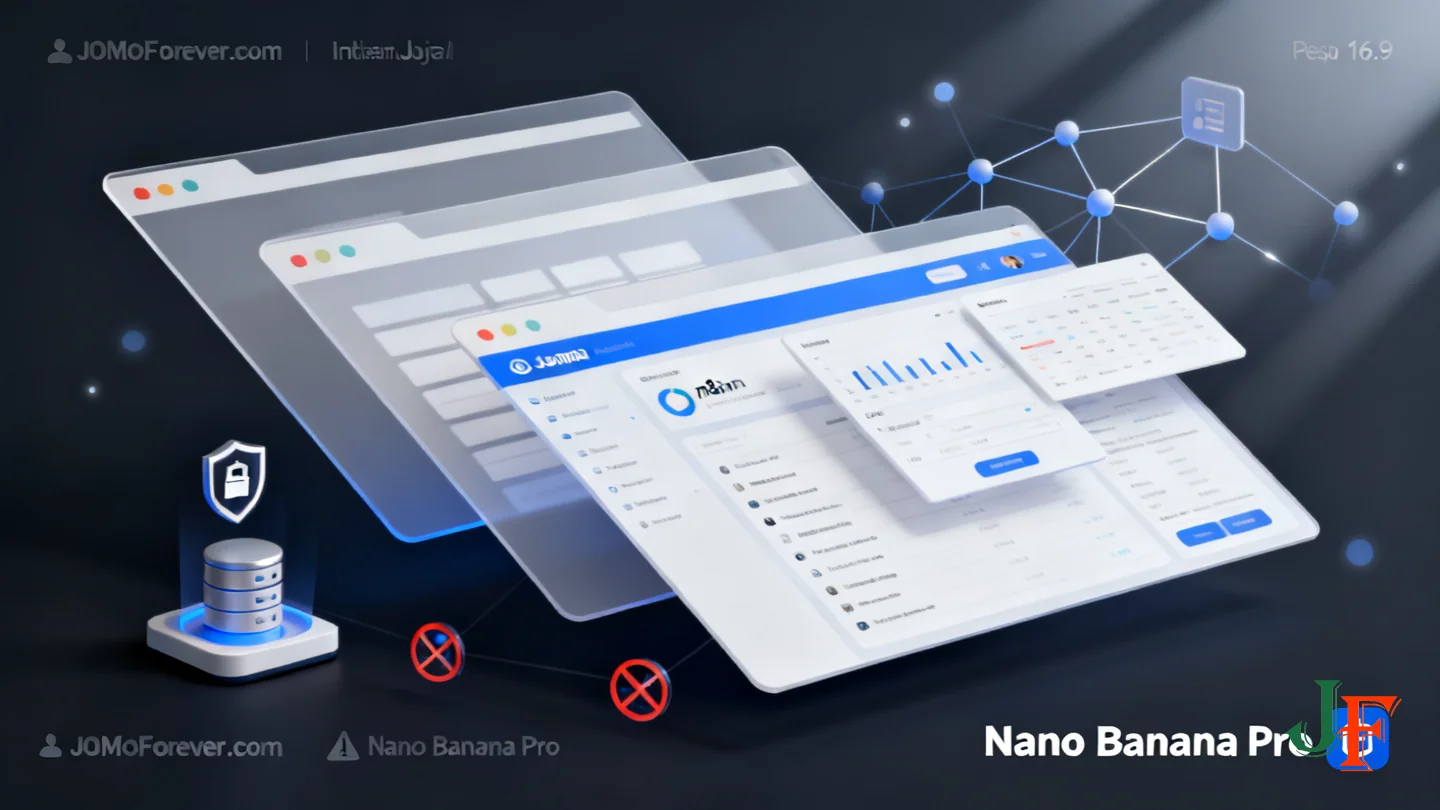
Securing the connection between n8n and Joomla starts with how you store and grant credentials. In n8n, store API tokens and keys using the built‑in credentials (or environment variables / a secrets manager) rather than embedding them in workflow nodes. Restrict editor access to trusted administrators — enable strong authentication, IP allow‑listing or VPN access for the n8n editor whenever possible, and limit who can view or edit credentials.
Apply the principle of least privilege on the Joomla side: create a dedicated API user with only the permissions required (for example, create/edit articles but not global administration). Use HTTPS for all API endpoints and, where your hosting allows it, enforce IP restrictions or firewall rules so only your n8n instance can reach the Joomla Web Services.
Operational controls you should adopt include token rotation, centralized logging, and monitoring. Rotate API tokens on a regular schedule and revoke any token used on a compromised system. Keep execution and access logs on both n8n and Joomla, monitor error rates and unusual activity, and configure alerts for failed authentications or sudden spikes in automated requests.
Responsible AI usage is important when generating or publishing content. Follow Joomla’s generative AI policy and contributor guidance — for example, keep humans in the loop for review and approval, clearly label AI‑assisted content, avoid sending private or copyrighted material to third‑party AI services, and perform fact‑checking before publication. For details, consult the official policy: Generative AI policy.
Finally, always test workflows in a staging environment and default to creating drafts rather than publishing automatically until confidence and auditability are established.
Step-by-step: Connect n8n to a Joomla site
This section walks through a minimal, safe workflow that authenticates n8n to a Joomla site and creates an article via Joomla Web Services. The steps are intentionally conceptual so you can follow them whether you run n8n self‑hosted or in the cloud. Always test in a staging site and avoid publishing to live until you have verified the workflow.
- Create or prepare a Joomla API user and credential (conceptual)
In the Joomla administrator interface create a user with a clear name for API access and grant only the permissions it needs (principle of least privilege). Generate or obtain an API token / credential from Joomla’s Web Services area (see official docs for the exact procedure for your Joomla version). Keep this token secure and treat it like a password.
- Configure credentials in n8n and test a simple GET
In n8n create a new credential entry (for example a bearer token or an HTTP credential) and store the Joomla base URL and API token there. Use an HTTP Request node to run a simple GET against a safe read endpoint such as the categories list to confirm connectivity.
High-level example request (conceptual): GET {your-joomla-base-url}/api/index.php/v1/categories with Authorization: Bearer <TOKEN>.
Example of a compact, illustrative response you might see (truncated): {"data":[{"id":2,"title":"News"},{"id":3,"title":"Blog"}]}. Use the Web Services and Core API docs to confirm exact endpoint paths and response fields for your Joomla release.
- Build a minimal create/update workflow
Construct a simple workflow in n8n with these nodes: an entry trigger (Manual Trigger or HTTP Trigger), a Set node to assemble the article payload, an HTTP Request node to POST or PUT the article, and an If node to inspect the response.
Minimal example payload (conceptual; verify field names in the API docs): {"title":"My Draft Article","introtext":"Summary or intro","state":0,"catid":2,"language":"en-GB"}. Note: set state to a draft value in your Joomla installation to avoid accidental publishing.
Wire the HTTP Request node to use your saved credentials, set the method to POST (or PUT for updates), and point it to the articles endpoint described in the Joomla Core APIs. After the request, check the HTTP status code and returned JSON to confirm the article was created and capture the new item ID for follow-up actions (associations, media uploads, scheduling).
- Handle errors and retries
Use an If node to branch on response status (e.g., 201/200 success vs others). Create an error workflow or use the Error Trigger to handle repeated failures. Configure retry strategies in n8n or implement exponential backoff in your workflow for transient errors. Log the request and response payloads to a secure storage or ticketing system for debugging, avoiding storage of raw credentials.
- Testing, safety and operational tips
- Always run the workflow against a staging site first.
- Default to creating drafts (state = draft) until the content review step is in place.
- Make workflows idempotent where possible (use an external unique identifier to avoid duplicate articles).
- Respect server rate limits—include throttling or queueing in n8n if you bulk import content.
- Rotate API tokens regularly and restrict access to the n8n editor to trusted administrators.
Following these steps gives a clear path from a validated credential to a working create/update flow. For exact endpoint paths, parameter names, and example payload fields consult the Joomla Web Services and Core API documentation linked below before implementing in production.
Example workflow: Build a multilingual AI content factory with n8n + Joomla
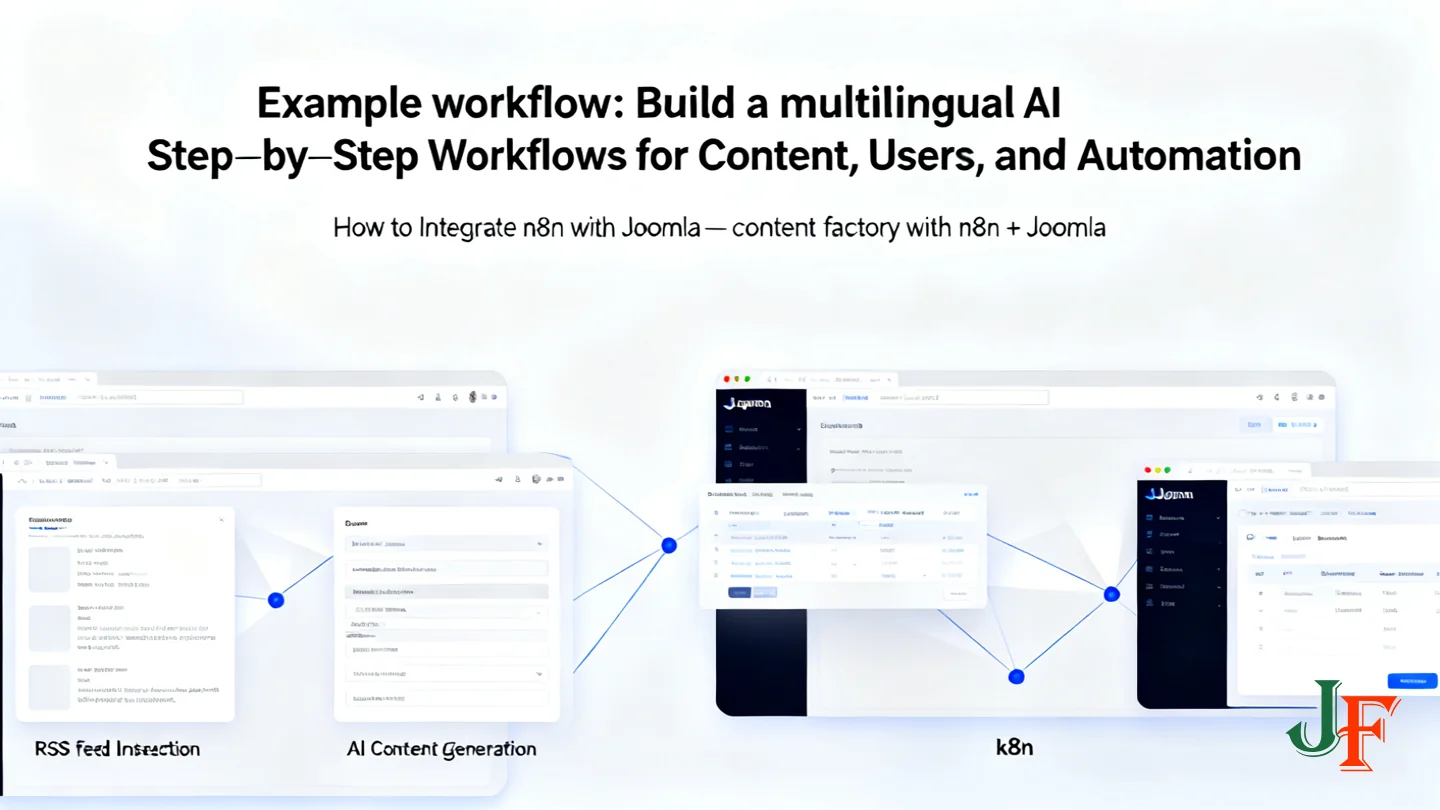
This section outlines a practical, architecture-level example that shows how n8n can automate multilingual content creation for Joomla. The workflow below is intentionally modular so you can test and replace pieces (AI provider, input source, review step) without touching Joomla directly. For a community implementation and detailed notes, see the Joomla Magazine case study linked below.
- Source input — ingest content from an RSS feed, a web form, or a Google Sheet. Use an n8n trigger node (RSS node, Webhook node, or Google Sheets node) to capture new items or rows.
- Pre‑processing — normalize and enrich the source: parse dates, extract images/media URLs, and attach a stable source ID (GUID) to support deduplication.
- AI generation / translation — pass the normalized text to your AI node(s) for generation, summarization, or translation. Keep this step separate per target language so you can apply language-specific prompts and quality checks.
- Templating & metadata — use Set/Transform nodes to assemble the final article payload: title, intro/body, tags, language code, category reference, and editorial metadata (author, suggested publish date). Prefer creating content as drafts to avoid accidental publishing.
- Human review — route generated drafts to an editorial review queue (email/Slack/approval dashboard). Require an explicit approval action before any item moves to published state.
- Publish to Joomla — when approved, send a POST/PUT request to Joomla Web Services to create or update the article and to record language associations so the CMS links related translations together.
Conceptually, language associations in Joomla link separate article records so each language variant appears as a sibling in the site’s multilingual structure. Implementations vary; consult the case study for one approach to creating and maintaining those associations when posting multiple language variants. Building a Multilingual AI Content Factory with Joomla & n8n (case study).
Small conceptual example payload (for illustration only — check Joomla API docs for exact field names and required formats):
{ "sourceId": "rss-2025-11-01-12345", "title": "Short title in target language", "language": "fr", "status": "draft", "category": "News", "tags": ["ai-generated", "translated"], "body": "Generated and reviewed article content..." } Operational concerns and best practices:
- Deduplication: use the stable sourceId to query Joomla before creating new items so you avoid duplicates and support idempotent runs.
- Rate limits & concurrency: batch requests and add exponential backoff on 429/5xx responses to protect both n8n and the Joomla site.
- Quality control: keep a mandatory human-in-the-loop step, add automated checks (readability, profanity filters), and tag items with provenance metadata.
- Scheduling & metadata: store suggested publish dates in the payload and let the CMS or a scheduled n8n run apply them after approval.
This architectural pattern keeps the AI work isolated from the live site until content is validated, makes translations traceable to a source record, and enables safe rollback or reprocessing if issues are found.
Implementation examples & further resources
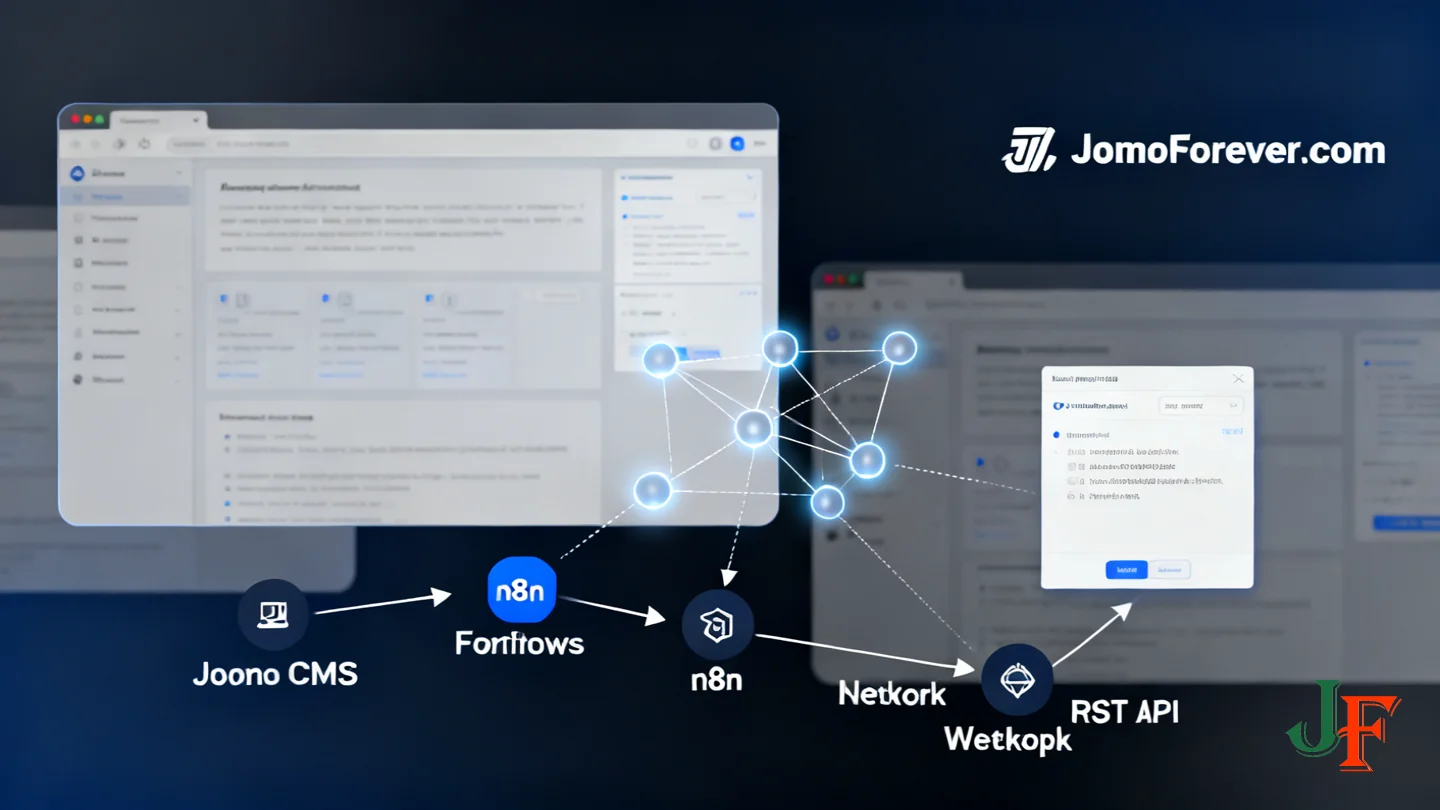
For readers wanting a conceptual architecture for AI-enabled administration, the Joomla Community Magazine article provides a clear introduction to the MCP pattern and design considerations. See Joomla MCP Server: Opening the Door to AI‑powered Administration for background on how an MCP can sit alongside a Joomla site and handle AI workflows.
A community implementation is hosted on GitHub as joomla-mcp-server. This repository is third‑party and intended as a reference example only — do not treat it as production-ready without careful review.
Before reusing third‑party code, perform the following manual verification:
- Check the license to confirm it permits your intended use.
- Review project activity and maintenance status (recent commits, open issues).
- Perform or consult a security audit for dependencies and known vulnerabilities.
- Confirm compatibility with your Joomla version and PHP environment.
- Test the code in a staging environment and review data-handling practices.
For hands-on examples and API payload guidance, consult the official Joomla Web Services documentation and the multilingual case study referenced earlier in this article. Use those resources to build staging workflows, add human review steps, and run a security checklist before moving any automation into production.
Troubleshooting, tips and common pitfalls
When automating Joomla with n8n you’ll usually encounter a small set of repeatable problems. This compact guide shows where to look first and practical fixes to keep workflows reliable in production.
Common errors and quick checks
- Authentication failures: verify the API token or credentials, confirm the API user has the required ACL permissions, and check for expired/rotated keys.
- CORS / HTTPS issues: ensure Joomla endpoints are served over HTTPS and that any browser-based triggers or webhooks use correct CORS headers or a server-side proxy.
- Permission denied / 4xx errors: inspect the response body for permission details and test the same request from Postman or curl to isolate client vs server problems.
- Unexpected response codes (5xx / timeouts): check server health, increase timeouts temporarily, and review server logs for stack traces.
Debugging in n8n
- Use the Executions view to inspect each node’s input/output payloads and follow the execution path step-by-step.
- Run workflows with controlled test data (Set node or manual trigger) before connecting live sources.
- Add error handling: use the Error Trigger node or IF nodes to route failures to a retry or notification branch.
- Log intermediate data (Function node or send to an external log sink) to make it easier to diagnose transforms and payload issues.
Operational tips
- Rate limits & retries: implement exponential backoff and respect any API rate limits; add retry strategies for transient failures.
- Idempotency & deduplication: include a unique external ID in requests and check for existing items before creating new ones to avoid duplicates.
- Staging & backups: always test in a staging site and keep backups; use draft status for automated creates to prevent accidental publishing.
- Check both sides: review logs on Joomla and n8n, and enable temporary debug logging when diagnosing complex failures.
Following these checks — start with credentials and simple test requests, use n8n’s execution inspector, and adopt idempotent patterns — will resolve most integration issues and keep automation dependable.
Further reading and next steps
Start with the official Joomla Web Services documentation to implement endpoints and payloads precisely: Web Services | Joomla! Programmers Documentation.
Explore community examples for architecture and patterns: the multilingual AI content factory case study and the MCP server article provide practical inspiration.
- Build and test in a staging workflow; create drafts and require human review before publishing.
- Perform a security review: HTTPS, least-privilege API users, credential rotation, logging and monitoring.
- Manually verify any third‑party code (licenses, maintenance, security) before deploying to production.
Use the Web Services docs for exact endpoint names and payload examples when you implement.

Add comment