
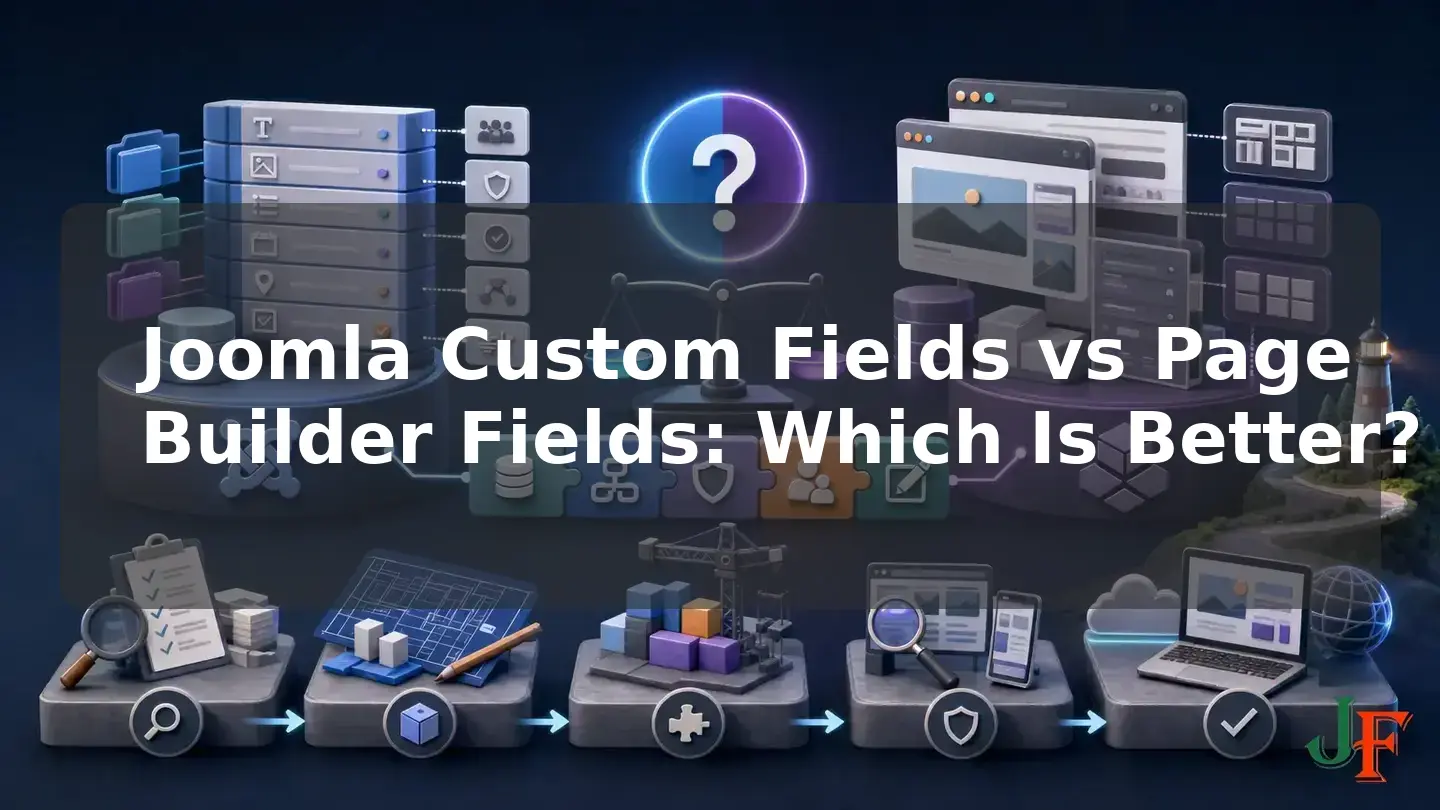
Choosing between Joomla Custom Fields and page builder fields is not simply a choice between a basic editor and a visual editor. The two approaches can represent very different content architectures. Joomla Custom Fields store structured values in Joomla's core content model. A builder may map those Joomla values into a visual layout, offer controls that store content inside individual page elements, or provide its own structured collection system.
This Joomla custom fields vs page builder comparison examines the issues that matter to site builders and agencies: long-term maintainability, design flexibility, portability, reusable content, editorial usability, permissions, and migration risk. There is no universal winner. Joomla Custom Fields are generally the safer source of truth for repeated business content that should survive redesigns. Builder-native fields can be effective when visual freedom or a specialized builder workflow is the priority. In many projects, the most practical answer is a hybrid architecture: manage durable data in Joomla and use a compatible builder to control its presentation.
What Joomla Custom Fields and Page Builder Fields Actually Mean
Before comparing the options, define which architecture is under discussion. “Page builder fields” is not a standardized Joomla feature and should not be treated as one uniform technology.
Joomla Custom Fields
Joomla Custom Fields are core-managed values that add attributes to supported Joomla content contexts, including Articles, Contacts, and Users. Fields can be organized into field groups, and article fields can be assigned to one or more categories. Field groups can make the editing form easier to understand by collecting related inputs together. These capabilities are described in the official Fields and Field Groups documentation.
For the supported releases represented by the current Joomla user guide, field settings include required status, default values, filters, maximum length, category, field group, access level, language, conditional Showon behavior, layouts, and front-end display options. Joomla can automatically place fields after the title, before the article content, after the content, or leave automatic display disabled. The available settings and their qualifications are documented in Field Parameters.
Builder element controls
Many visual builders place content and design controls inside elements such as headings, images, grids, or buttons. These controls are convenient when an editor is composing a unique page, but their values and layout configuration may be tied to that builder's element and data model. They should not automatically be treated as reusable structured business data.
Builder mappings to Joomla fields
Some builders use Joomla Custom Fields as dynamic sources rather than replacing Joomla's data model. YOOtheme Pro, for example, documents mappings for Joomla article, category, and user custom fields, with different handling for single-item and multiple-item fields. It can use those sources in dynamic templates, so a Joomla-managed content change can be reflected by the template. This is specifically documented for YOOtheme Pro in its Dynamic Content documentation; support must be confirmed separately for every builder and field type.
Builder-native structured collections
A builder can also provide a genuine structured-content system of its own. SP Page Builder 6 Collections are vendor-managed sets of entries with presets or custom definitions, configurable fields, validation, URLs, item management, and collection-level administrator ACL. This is more than a collection of page-element controls, but its content model remains specific to SP Page Builder.
Related guidance: use dynamic content in Joomla.
Related guidance: step-by-step Joomla Custom Fields tutorial.
The Essential Distinction: Reusable Data vs Reusable Design
Reusable data is information that should have a stable meaning regardless of its current layout. Examples include a team member's role, a property's reference number, an event date, or a product specification. Ideally, an editor changes the value once and every verified dynamic display reads from that source.
Reusable design is a saved arrangement of rows, sections, elements, and visual settings. YOOtheme Pro layouts, sections, and rows can be saved and transferred as JSON within the YOOtheme ecosystem, according to its Layout Library documentation. SP Page Builder can also save and reuse pages, sections, and addons and export page structures, as described in its export and import documentation.
These are documented forms of design reuse within each builder ecosystem. The reviewed documentation does not establish that every inserted section remains synchronized with its saved source. Do not assume that changing a library item automatically updates all copies. If every display must update from one source, verify a dynamic field, collection, or template mechanism designed for that purpose.
Related guidance: plan structured content in Joomla.
Quick Verdict: Joomla Custom Fields vs Page Builder
- Choose Joomla Custom Fields as the source of truth when repeated business data must appear in several layouts, remain separately editable, or have a reasonable chance of surviving a redesign or builder replacement.
- Choose builder-native fields or Collections when the project benefits from a complete vendor-specific workflow and the client accepts the resulting extension, data-model, update, addon, and migration dependencies.
- Choose element-level builder controls when editors need direct visual control over a largely unique page and its content is not expected to become a shared data source.
- Choose a hybrid architecture when you want durable Joomla-managed data and visually sophisticated presentation through a compatible builder.
The preference for Joomla Custom Fields in long-lived repeated content is an evidence-based architectural inference, not a guarantee of universal portability or extension compatibility. Overrides, field mappings, templates, extensions, and migrations can still introduce dependencies.
Related guidance: compare Joomla page builders.
Comparison Matrix

| Criterion | Joomla Custom Fields | Builder mappings | Builder-native fields or Collections |
|---|---|---|---|
| Source of truth | Joomla's supported core content contexts | Usually Joomla when mapped dynamically | The builder's content or layout model |
| Maintainability | Generally strong for repeated, well-modeled data | Strong when mappings are documented and maintained | Can be strong inside a committed builder ecosystem |
| Immediate design flexibility | Basic automatic output; advanced output needs an override or compatible builder | Combines structured values with visual layouts | Often closely integrated with visual design controls |
| Relative portability | Generally more portable within Joomla, but not dependency-free | Data may remain in Joomla; mappings and layouts remain builder-specific | Depends on vendor formats, addons, media, templates, and migration tools |
| Editor experience | Constrained forms can protect layout | Data entry and layout editing can be separated by role | Can offer a unified visual or collection workflow |
| Best fit | Directories, specifications, profiles, and repeatable records | Structured content requiring sophisticated presentation | Specialized vendor workflows or visually led pages |
Long-Term Maintainability
Joomla Custom Fields generally provide stronger separation between data and presentation. Joomla can render them automatically, while a template override can place individual fields in custom markup through the item's jcfields data. The official custom-field override guide demonstrates this approach. A compatible builder can instead map the same values into visual elements.
This separation gives an agency several presentation options without immediately moving the source values out of Joomla. It does not make the implementation maintenance-free. The team must still maintain field definitions, access settings, category assignments, overrides, mappings, templates, and extension compatibility.
Use stable field machine names and maintain a data dictionary containing each field's purpose, owner, type, validation, categories, access level, output locations, and dependent mappings. Joomla's field documentation states that a field type cannot be changed after the field has been saved, so prototype the content model before creating a large volume of records. Renaming or deleting a mapped source can also invalidate builder mappings.
Related guidance: build a Joomla custom-field template override.
Design Flexibility and Reusable Content
A page builder can provide greater immediate visual flexibility because editors or designers work with page structures and visual controls. Joomla's automatic field positions are intentionally limited. Precise placement and specialized markup normally require a template override or a compatible dynamic-content builder.
That does not make either approach universally more flexible. Joomla fields are flexible at the data level: the same value can potentially be rendered automatically, by an override, or by a confirmed builder mapping. Builder libraries are flexible at the design level: they package arrangements that can be reused within the same product ecosystem. Products such as SP Page Builder 6 Collections can support both structured entries and builder-oriented presentation, but the resulting workflow remains product-specific.
Ask whether the project needs a reusable fact, a reusable design, or both. A saved visual section is not automatically a single source of reusable content.
Related guidance: create reusable content in Joomla.
Portability, Migration, and Vendor Dependency

Joomla Custom Fields are generally more portable within Joomla because Joomla manages the source values and can expose them to different rendering methods. This is a relative architectural advantage, not complete vendor neutrality. A replacement template may not contain the old override, and another builder may not support the same field types or mappings.
Builder exports can help move designs between sites using the same product, but they are not evidence of cross-builder portability. SP Page Builder explicitly warns that a destination needs the same addons and a compatible image structure. Its JSON export contains layout and settings rather than addon code; optional packages can include media and SEO data. These dependencies are documented in the vendor's export-import guide.
Do not assume that removing a builder will leave its native content, Collections, or layouts usable without conversion. The reviewed documentation also does not establish that SP Page Builder Collections and their definitions are included in a normal page JSON export. Treat a move from builder-native content to Joomla articles and fields as a potential data-conversion project until the exact migration process is verified.
Editorial Experience, ACL, and Governance
Joomla fields can present editors with constrained, category-specific forms containing required inputs and validation. This can reduce accidental layout changes. A visual builder may be more intuitive for an editor responsible for unique campaign pages, but it can also expose structural, responsive, spacing, and styling controls.
Editorial usability therefore depends on workflow, editor skills, field organization, available controls, and permissions—not merely on whether fields exist. Apply least-privilege ACL. YOOtheme states that access to its customizer is controlled by Joomla's Edit Templates permission and recommends removing that permission from editor roles that should not customize the site; see the YOOtheme installation and permissions guidance. SP Page Builder 6 Collections provide their own collection-level administrator ACL controls, which must also be configured deliberately.
Two Practical Architecture Examples
Example 1: An agency team directory
A team directory contains repeated records with consistent facts. A maintainable core-first plan would be:
- Create one agreed content model for the information every profile needs.
- Organize related Joomla fields into a field group and assign them to the intended article category.
- Set suitable required, validation, language, and access options.
- Use stable field names and record them in the data dictionary.
- Render the directory with Joomla output, a template override, or a verified builder mapping.
- Give content editors access to profile data while reserving site-wide layout controls for authorized designers.
YOOtheme Pro can map supported Joomla fields into dynamic elements, making it one documented option for a hybrid implementation. Alternatively, an agency committed to SP Page Builder could model records as SP Page Builder 6 Collection entries. That can provide a coherent structured workflow, but the agency should document the vendor-specific model and its exit plan before committing client data to it.
Example 2: A one-off campaign landing page
A unique campaign page may prioritize rapid visual composition over reuse of every text fragment. Builder element controls can be an appropriate operational choice when trained editors need direct control over the layout and the page is unlikely to become a shared data source. Keep genuinely reusable facts—such as centrally maintained contact or organization information—in an appropriate shared source where the selected implementation can map them. Do not duplicate a value across visual pages merely because copying a section is convenient.
A Safe Decision and Prototyping Workflow

- Inventory the content. List every value, where it appears, who owns it, how often it changes, and whether one edit must update multiple displays.
- Separate data from design. Mark each requirement as reusable data, reusable design, unique page content, or a combination.
- Choose the proposed source of truth. Prefer Joomla Custom Fields for long-lived repeated data when relative portability within Joomla matters. Choose a builder-native model only when its specialized workflow provides clear value and its dependency is accepted.
- Design the editor workflow. Decide whether editors should change structured records, visual layouts, or both. Separate those permissions where practical.
- Build a small prototype on staging. Create representative records, conditional fields, restricted fields, multiple output locations, and at least one realistic design. Do not model the entire site before validating the approach.
- Test category behavior. Confirm that fields appear for every intended category. If uncategorized articles are involved, verify the exact behavior rather than assuming an “All” assignment includes them.
- Test presentation changes. Replace or modify the prototype layout and confirm which source data survives, which mappings need repair, and which content must be converted.
- Run an exit test. Export representative builder pages and attempt an import in a compatible test installation. Include media and any third-party addons. Inspect what is missing rather than relying only on the existence of an export button.
- Test governance and rendered output. Sign in with each editorial role, inspect access, and test semantics, headings, text alternatives, keyboard operation, responsive reading order, metadata, indexing, and any separately implemented structured data.
- Back up and document. Maintain full file and database backups, mapping documentation, ownership details, compatibility requirements, and a written exit procedure before production deployment.
The prototype should use equivalent content and realistic layouts. No supplied vendor-neutral benchmark establishes that either storage approach is inherently faster, lighter, more cacheable, more secure, or better for Core Web Vitals. If performance matters, measure both representative implementations under the same conditions.
Joomla 5.4 and Joomla 6.1 Compatibility
As of 2026-09-09, Joomla 5.4.8 and Joomla 6.1.3 are the current stable releases in their supported branches. Joomla 5 is scheduled to remain in regular bug-fix support until 2026-10-13 and security-only support until 2027-10-12. Joomla 6 regular bug-fix support is scheduled through 2028-10-17 and security-only support through 2029-10-16. Joomla 6.2 Beta 2 is prerelease software, not the current stable production version. These date-sensitive details come from the Joomla Project Roadmap and must be rechecked before publication or deployment.
For a new build, Joomla 6.1 is the preferred context when the complete extension stack is compatible. The reviewed current SP Page Builder technical requirements list Joomla 5.x and Joomla 6.1. Verify the exact Joomla, PHP, builder, template, addon, and hosting combination rather than extrapolating compatibility from a product name.
Versioning, Search, Accessibility, and Backup Checks
Article version history
The official Joomla 5 custom-fields documentation states that custom-field values are not stored in different article versions. This statement is explicitly limited to Joomla 5 in the reviewed evidence. Test rollback on the exact Joomla 6.1 version before relying on revision history, and maintain database-level backups or another verified revision strategy.
Smart Search and restricted information
Joomla fields can be configured for Smart Search indexing. However, the official field-parameter documentation warns that searchable field content is indexed with the viewing permissions of the containing content item. If a field's information should be more restricted than its article, this may lead to unexpected disclosure. It is not a claim that exposure always occurs. Test mixed article and field access levels before indexing sensitive field data.
Accessibility and SEO
Neither Joomla fields nor builder fields inherently guarantee accessible or search-friendly output. Storage structure alone does not produce Schema.org markup, rich-result eligibility, or improved rankings. Inspect the rendered implementation. The W3C's Page Structure Tutorial emphasizes meaningful semantic elements, logical heading nesting, identifiable regions, and navigation that works for people using assistive technology and keyboards.
- Check heading order, landmarks, labels, links, text alternatives, keyboard behavior, focus behavior, and responsive reading order.
- Inspect metadata, indexing behavior, canonical implementation, and any separately implemented structured data.
- Test performance with representative records, layouts, extensions, caching configuration, and hosting rather than attributing results to the field model alone.
- Repeat testing after Joomla, builder, template, override, or addon updates.
Common Mistakes and Troubleshooting
A field is missing from the article form
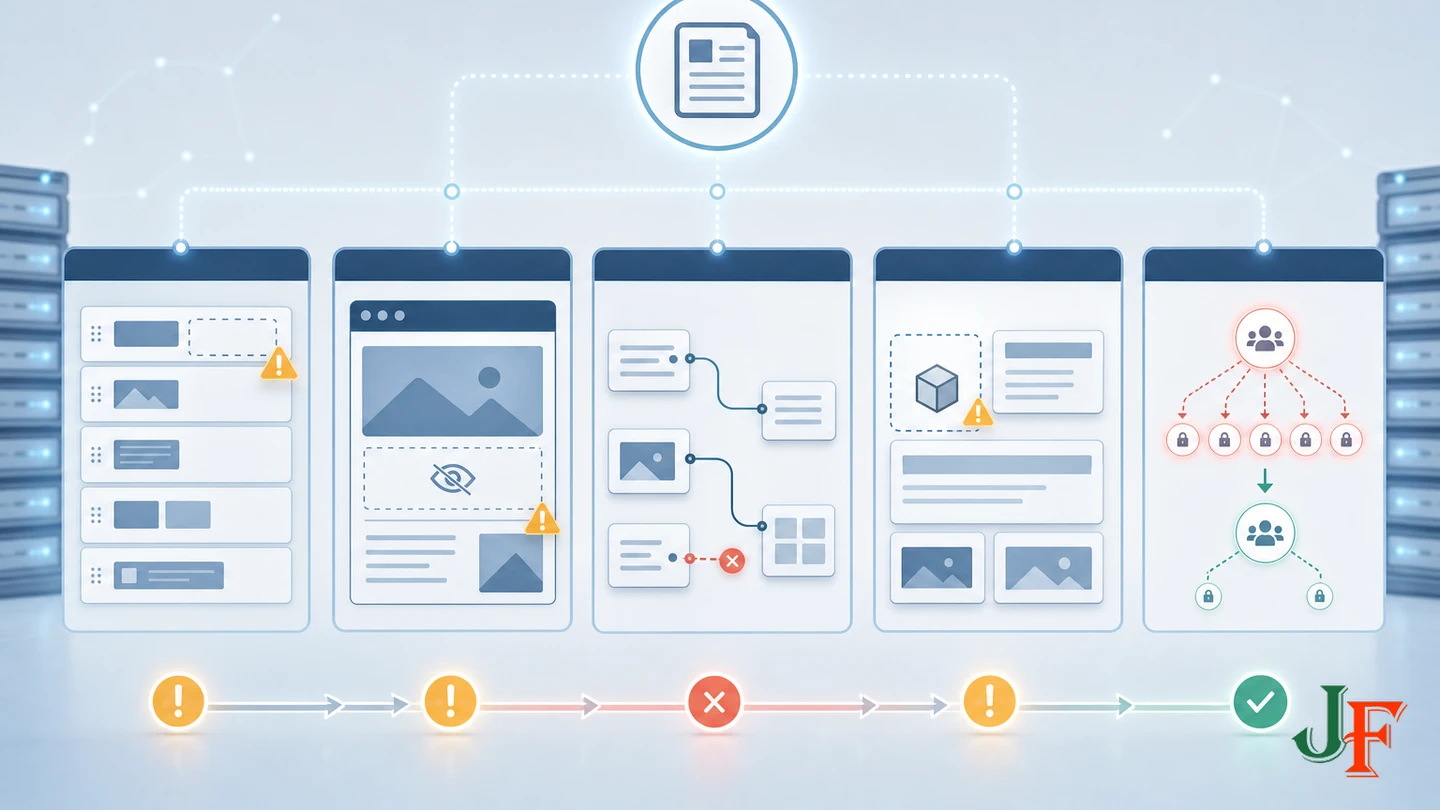
Check its category assignment, field group, publication state, language, access level, and any Showon condition. Verify uncategorized-article behavior on the exact Joomla release in use.
A saved value does not appear on the page
Check the field's automatic display setting and selected layout. If automatic display is disabled, confirm that the template override or builder mapping references the correct field. Joomla 5 documentation also states that empty fields are not displayed.
A dynamic builder element stopped working
Confirm that the source field still exists and that its stable name and expected type have not changed. Reopen the mapping and test it with a representative record. Builder mapping support is specific to the product and field type.
An imported builder page looks different
Compare builder and addon versions, media paths, templates, fonts, styles, and custom elements. For SP Page Builder, remember that the documented JSON export does not include addon code and that compatible addons and image structure are required at the destination.
Editors can change too much
Review Joomla permissions and any builder- or collection-specific ACL. Remove site-wide customization rights from roles that only need to edit content, then retest each role on staging.
Concise FAQ
Do Joomla Custom Fields require coding?
Not for basic data entry or Joomla's automatic display positions. Precise placement and highly customized markup generally require a template override or a compatible builder with verified dynamic mapping support.
Which option is more maintainable?
For repeated content that may need to survive redesigns or builder replacement, Joomla Custom Fields are generally the safer source of truth. Builder-native content can still be maintainable inside a stable, documented builder ecosystem, but it adds a product-specific dependency.
Which option is more flexible?
Builders can provide greater immediate visual flexibility. Joomla fields provide stronger separation between reusable data and presentation. A hybrid setup can offer both when the builder explicitly supports the required Joomla field types.
Are saved builder sections reusable content?
They are documented as reusable designs, templates, or copies. Do not assume inserted instances remain synchronized unless the exact product feature is separately documented and tested.
Can a builder offer real structured content?
Yes. SP Page Builder 6 Collections are one documented example of a builder-native structured-content system with entries, configurable fields, validation, URLs, and administrator ACL. The model remains specific to that builder.
What is the best agency default?
Model reusable business data independently of the layout, usually using Joomla Custom Fields when redesign resilience matters. Present that data with Joomla layouts, overrides, or a compatible builder. Reserve builder-native content for workflows whose benefits justify the documented dependency and for which the agency has a tested exit plan.
Final Decision Checklist
- Which values must remain reusable across templates or redesigns?
- Is the requirement reusable data, reusable design, or both?
- Can the selected builder map every required Joomla field type?
- Which users may edit data, layouts, templates, and collection definitions?
- What breaks if a field, addon, template, or builder is replaced?
- Can representative data and media be exported, imported, and verified?
- Are full backups, a data dictionary, compatibility records, and an exit plan in place?
For most agencies, the strongest starting point is not “fields or builder.” It is a documented content architecture in which stable business data has an intentional source of truth and visual design remains replaceable wherever practical.
Sources
- Joomla! Project Roadmap, Joomla Project.
- Fields and Field Groups, Joomla Project.
- Field Parameters, Joomla Project.
- Template Overrides: Custom Fields, Joomla Project.
- J5.x: Adding Custom Fields, Joomla Project.
- Dynamic Content - YOOtheme Pro Joomla Documentation, YOOtheme.
- Layout Library - YOOtheme Pro Joomla Documentation, YOOtheme.
- Installation - YOOtheme Pro Joomla Documentation, YOOtheme.
- Technical Requirements - SP Page Builder, JoomShaper.
- Collections - SP Page Builder, JoomShaper.
- Export-Import and Save for Later Use - SP Page Builder, JoomShaper.
- Page Structure Tutorial, World Wide Web Consortium.

Add comment